

AI Is Transforming Research Presentations
In the past, creating a research presentation often meant spending a great deal of time manually organizing content, adjusting layouts, and repeatedly revising PowerPoint slides.
With the rapid development of large language models and generative AI, research presentations are entering a new stage. Today, research notes, paper summaries, and experimental results can first be organized by AI and then further turned into slides, infographics, or web-based presentations. For progressive research institutions in the Global South, however, commercial tools pose two distinct problems: most are designed for business reporting rather than academic expression, technical content, or structured visualization; and licensing costs put many of them out of reach for institutions operating under resource constraints. Open-source projects offer an alternative on both fronts — better suited to research work, and accessible regardless of institutional budget.
The following sections introduce several open-source presentation projects that work with large language models to help researchers generate presentations that are more polished and structurally clearer.
HTML Presentation Generation Tools
Generating a Deck End-to-End with an AI Skill
One approach to AI presentation generation is to use a skill that handles the full pipeline — from outline to finished slide deck — through an HTML-first workflow. This means the slides are essentially webpages rather than traditional PPT files, which is especially well-suited to research scenarios: large language models are naturally better at handling structured text than complex Office files. Researchers can use Markdown, HTML, or component-based structures to organize their content, and then convert that content into presentation pages. The advantages are clear: greater layout flexibility, clearer structure, and easier integration of dynamic charts, code blocks, and interactive content.
This kind of skill is also highly suitable for collaboration with AI. Researchers can first ask the model to generate a presentation outline, and then automatically convert it into slides, saving a large amount of repetitive work.
One such skill is Frontend Slides, among the more capable options currently available in the open-source ecosystem. It can be installed directly through the plugin marketplace. Open Agent and enter:
Please help me install these plugins:

/plugin marketplace add zarazhangrui/frontend-slides
/plugin install frontend-slides@frontend-slides
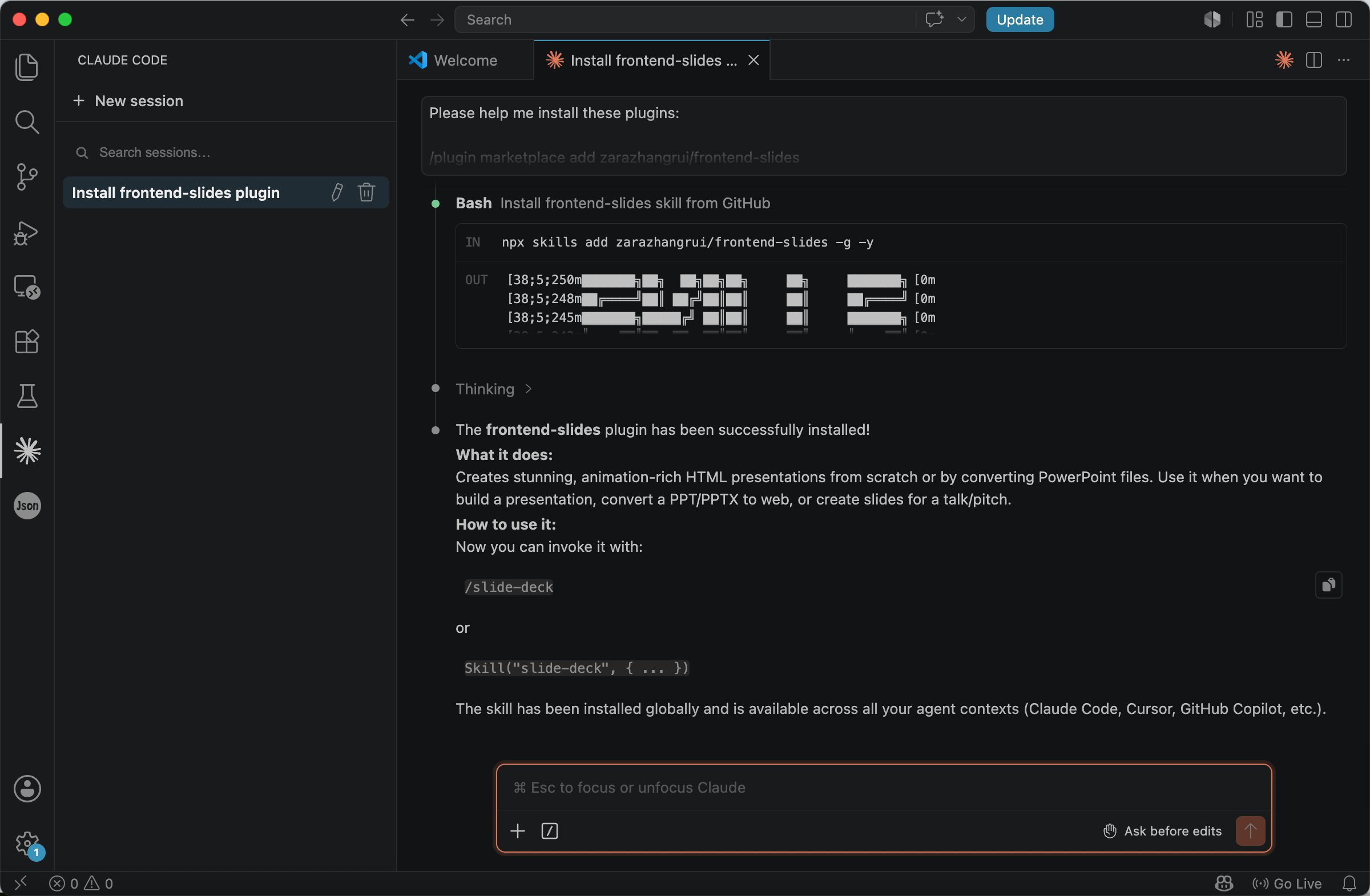
After installation, you may need to restart Agent once to refresh the plugin. You can then use the /frontend-slides command to call frontend-slides for creation.
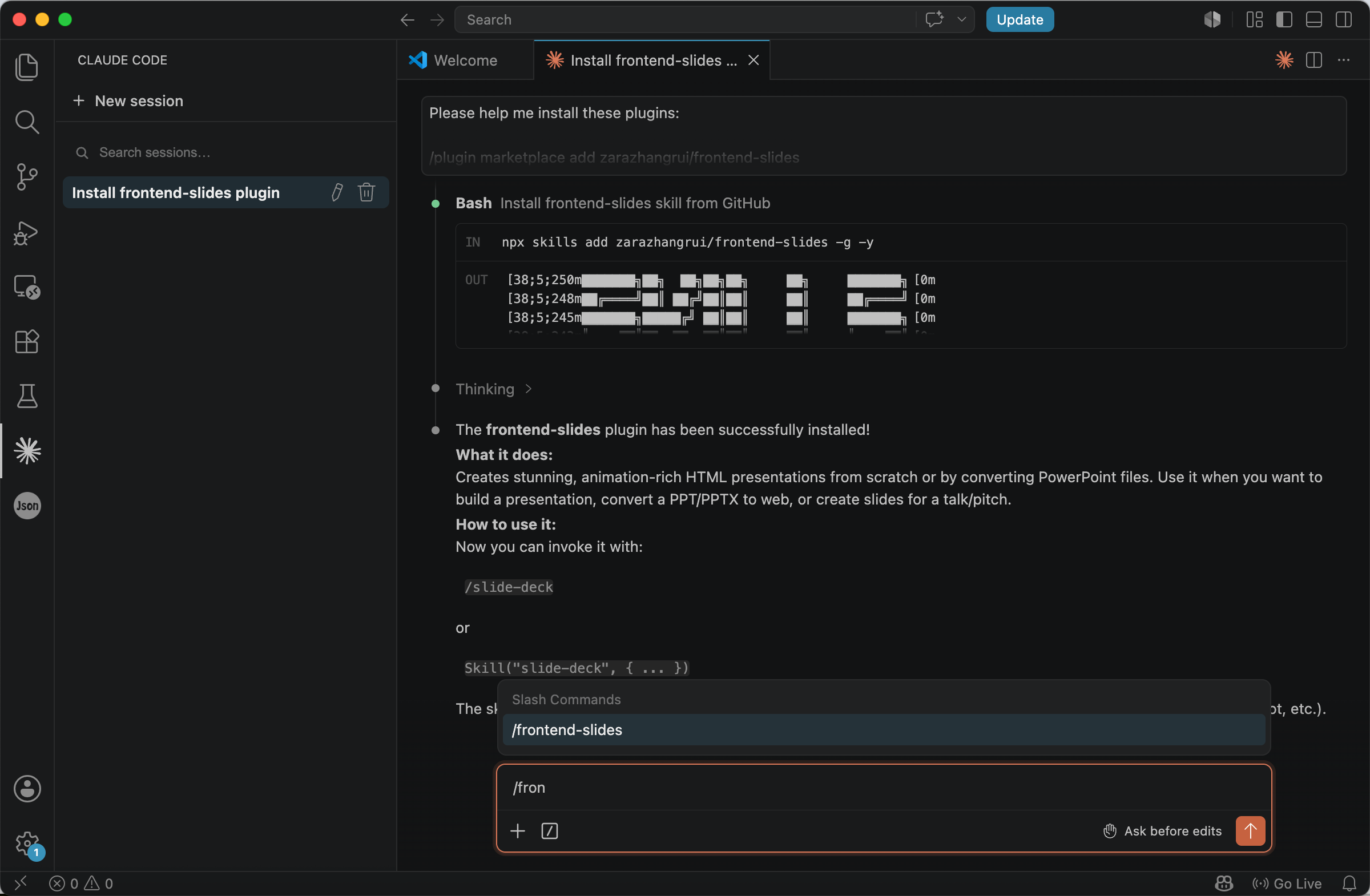
Frontend Slides can not only generate HTML presentation webpages directly, but also convert existing PowerPoint files into web-based presentations.
For example:
/frontend-slides I want to create a pitch deck for research
This can directly generate an HTML presentation webpage and open it in the browser.
/frontend-slides Convert my presentation.pptx to a web slideshow
This can convert a PPT file into an HTML presentation webpage.
This tutorial follows the first method and uses the Tricontinental dossier, The Turbulence of the Indian Economy, as a case study. During the generation process, Agent will provide several presentation generation options, which you can choose according to your needs.
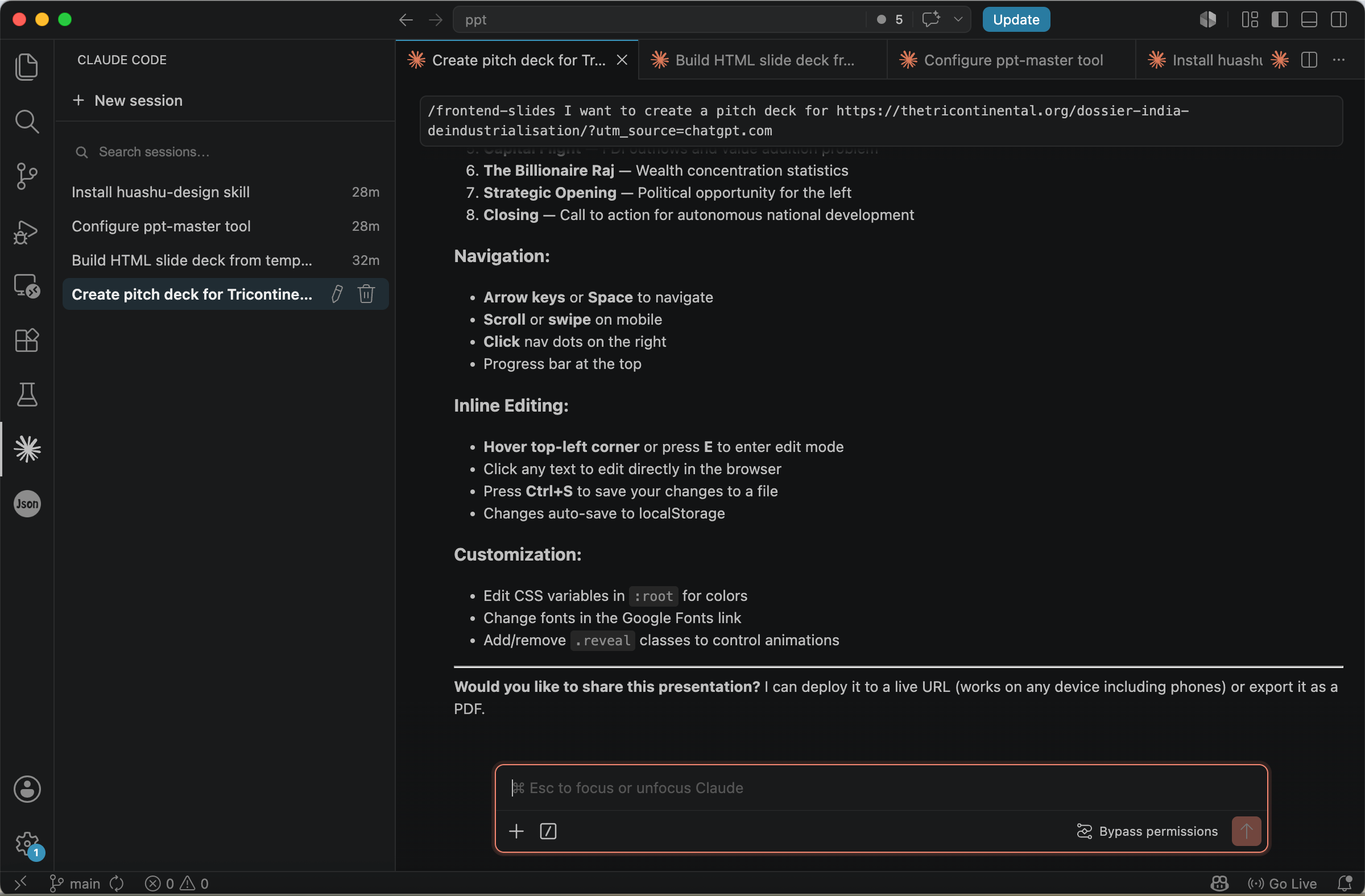
Once generation is complete, the browser will automatically open the corresponding presentation. You can also continue giving instructions in the chat box to ask Agent to further modify the content.

AI-generated slide created by Frontend Slides, based on Tricontinental’s dossier The Turbulence of the Indian Economy
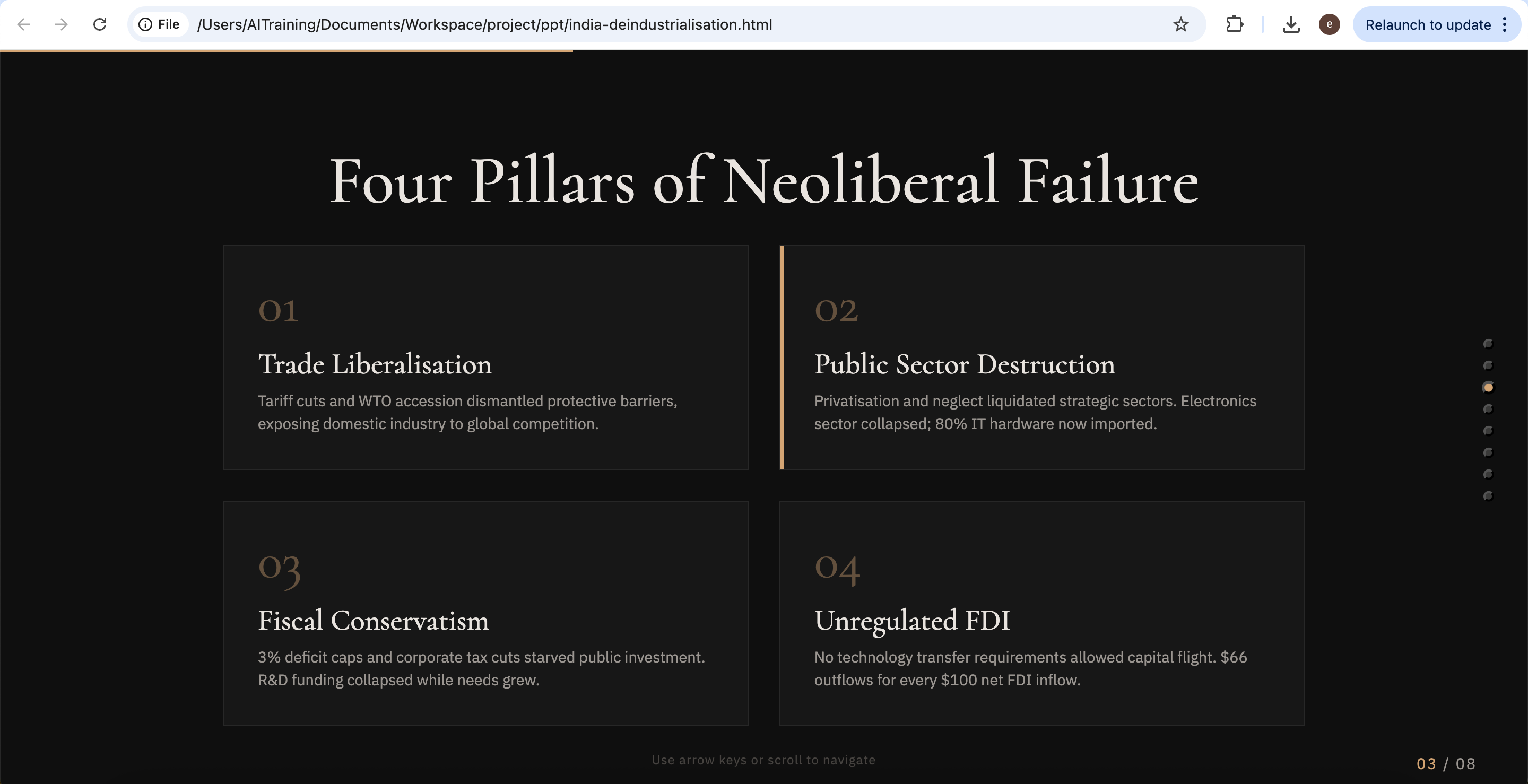
AI-generated slide created by Frontend Slides, based on Tricontinental’s dossier The Turbulence of the Indian Economy
Filling In a Pre-Designed Template
Another approach is to start from a pre-designed template and let AI fill in your content. This shifts the question from ‘how to generate content’ to ‘how to make the content look consistent and professional.’
In research presentations, one of the most common problems is not insufficient content, but rather a lack of visual consistency. Pre-designed template libraries solve this by providing a set of layouts that have already been visually unified. You can also create your own templates or design guides and save them for long-term reuse, building a consistent visual identity across your work over time.
One such library is beautiful-html-templates, which offers a large collection of HTML templates suitable for technical and academic scenarios, including data visualization pages, dashboard-style layouts, research infographics, and methodology flowcharts. Each template has a clear hierarchy and unified structure, providing a level of consistency that default PowerPoint themes lack.
To use it, simply copy the following into Agent and run it:
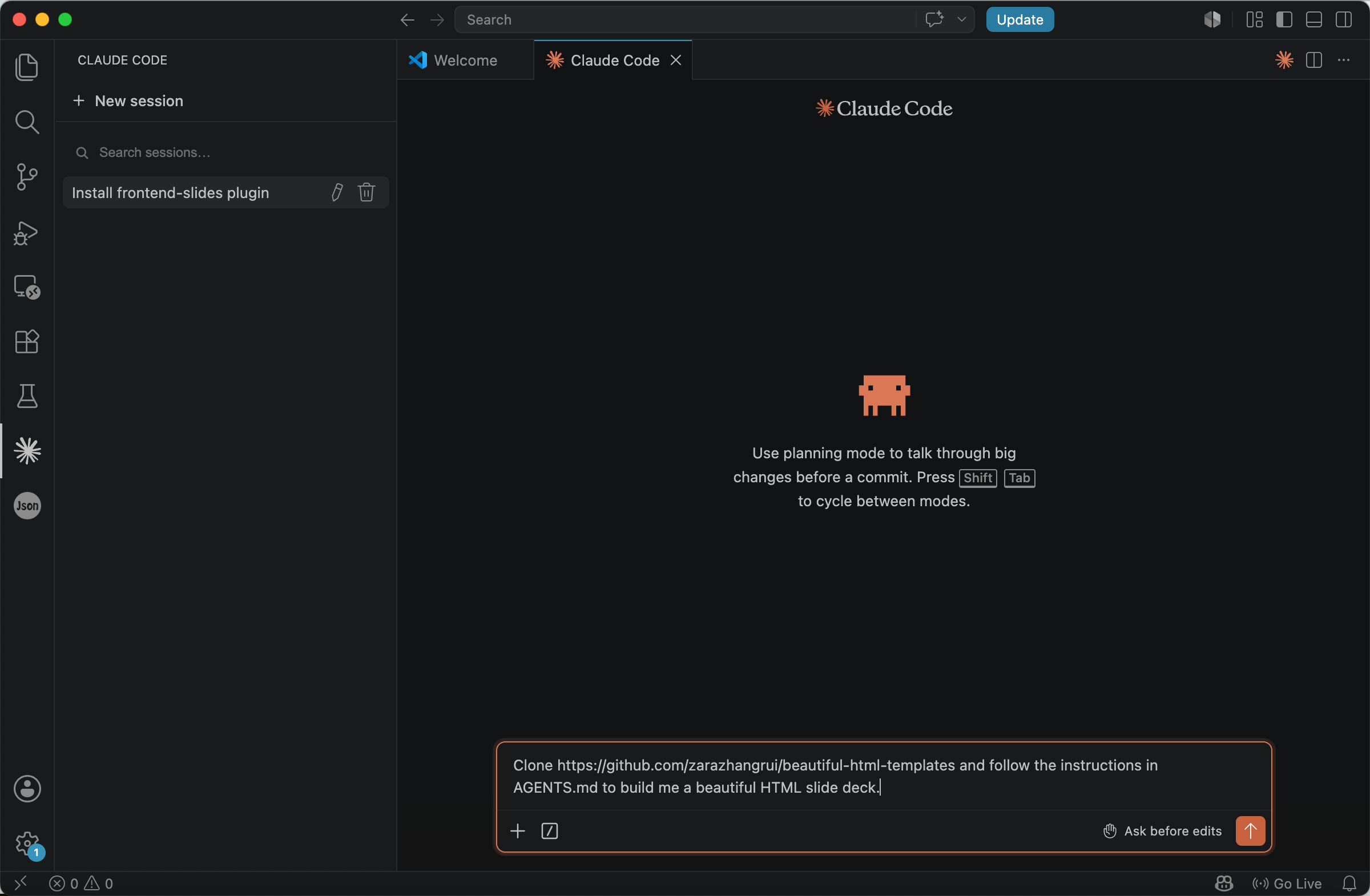
Clone https://github.com/zarazhangrui/beautiful-html-templates and follow the instructions in AGENTS.md to build me a beautiful HTML slide deck.
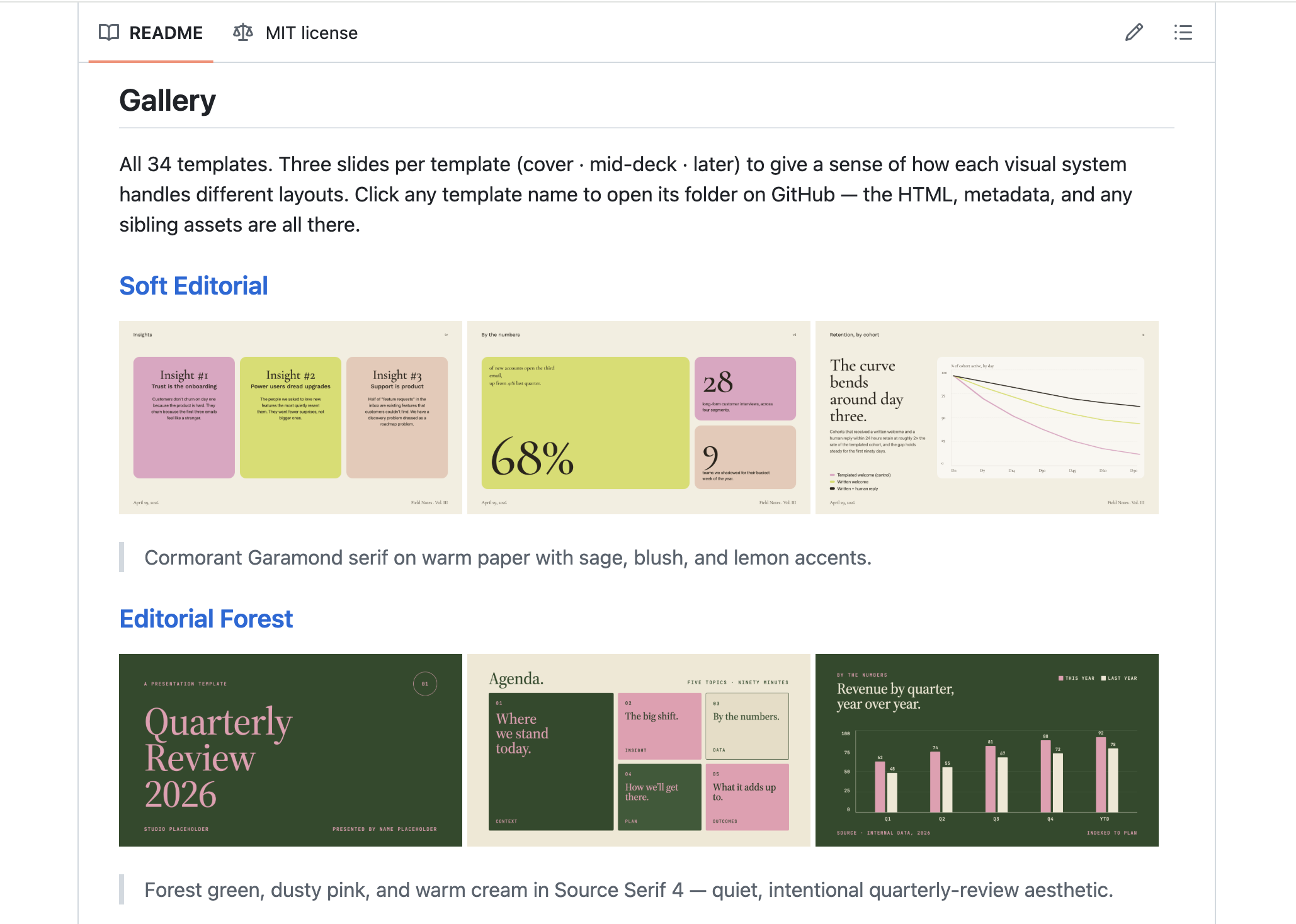
As its name suggests, beautiful-html-templates is a project that contains many HTML templates. Open https://github.com/zarazhangrui/beautiful-html-templates to view reference examples of these templates.
The usage is also very straightforward. You only need to specify the template you want to use in Agent. For example:
Please use the Soft Editorial template to build a HTML slide deck for https://thetricontinental.org/dossier-india-deindustrialisation/.
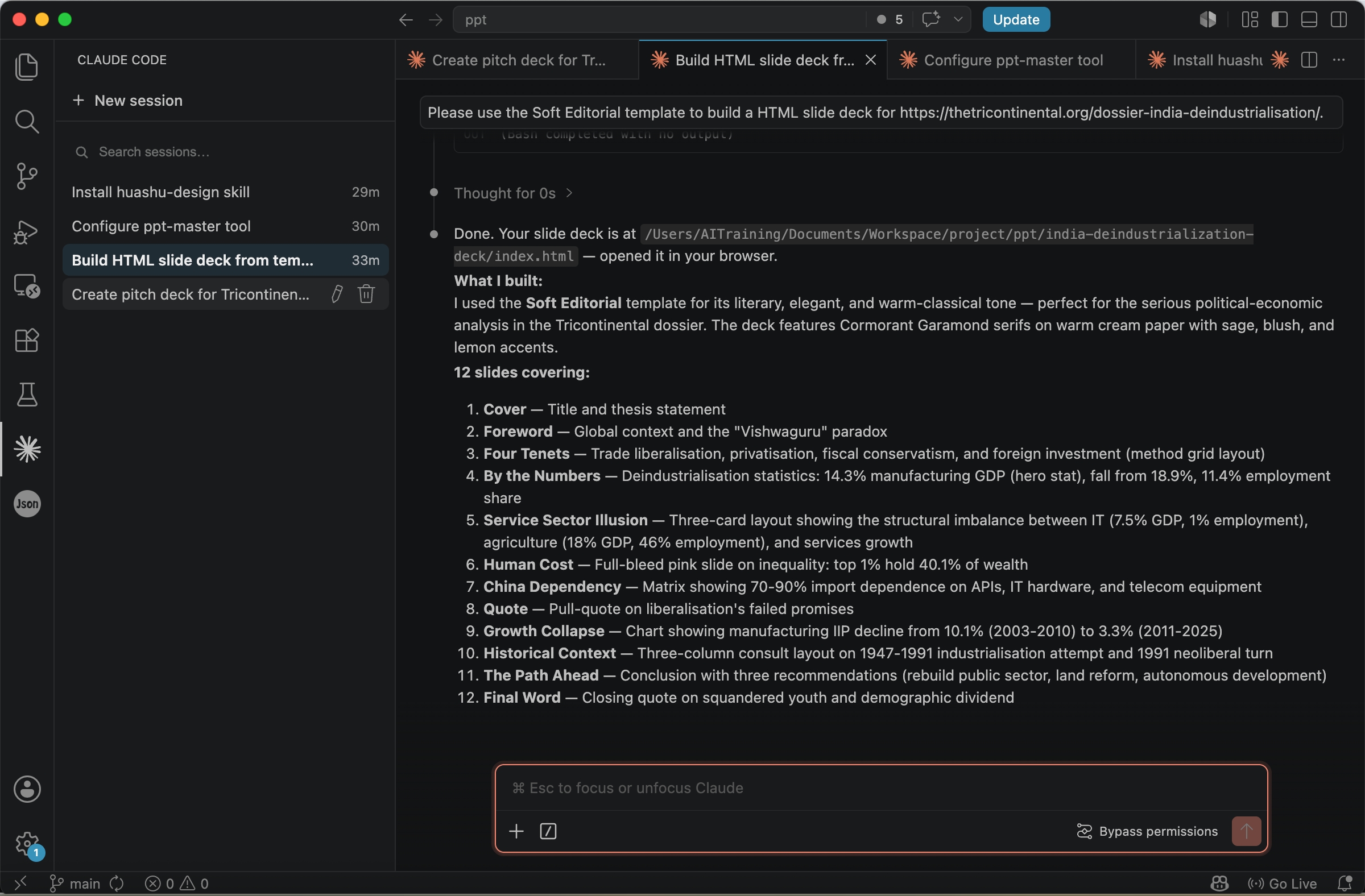
After Agent finishes executing, you can see that the presentation has been successfully generated.
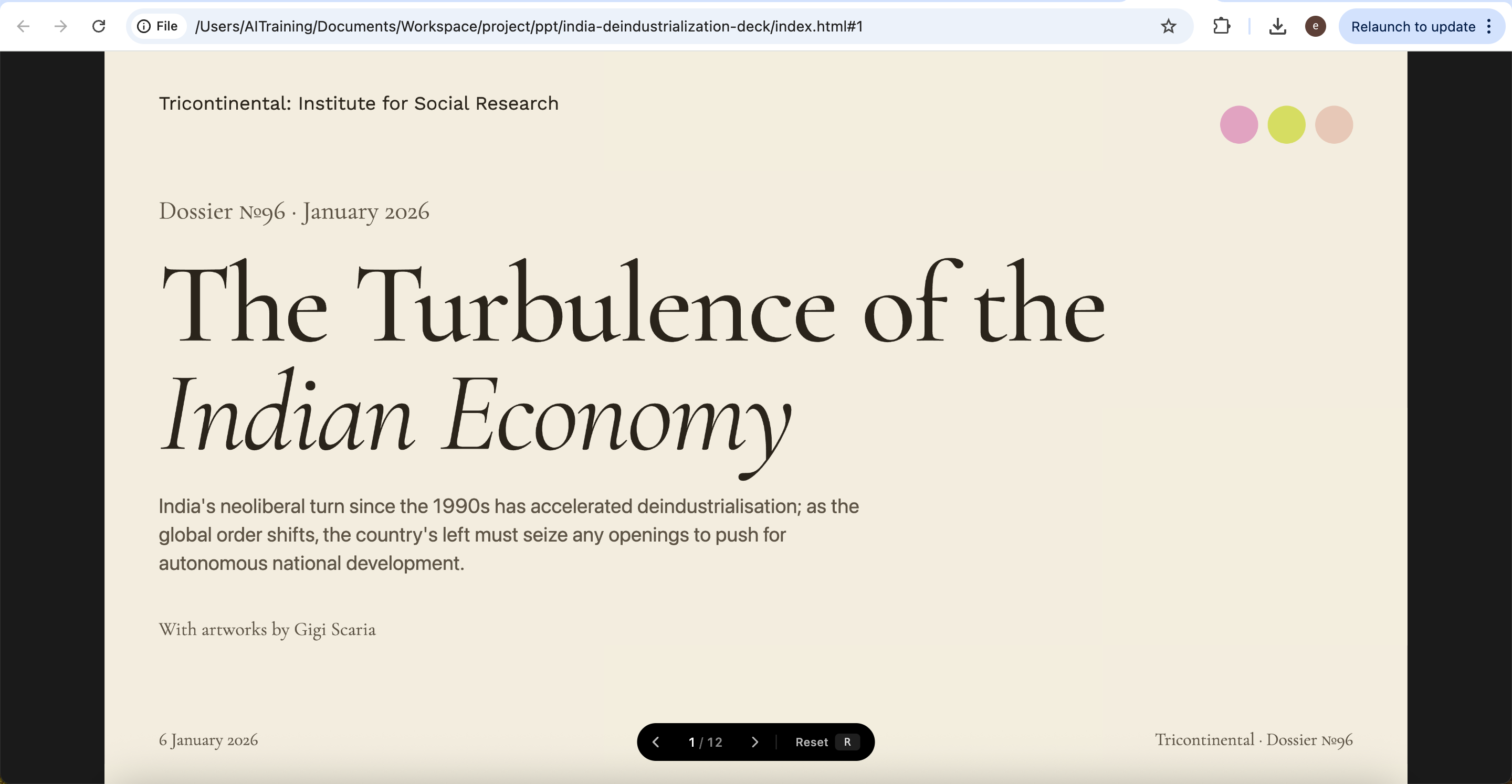
AI-generated slide created by beautiful-html-templates, based on Tricontinental’s dossier The Turbulence of the Indian Economy.
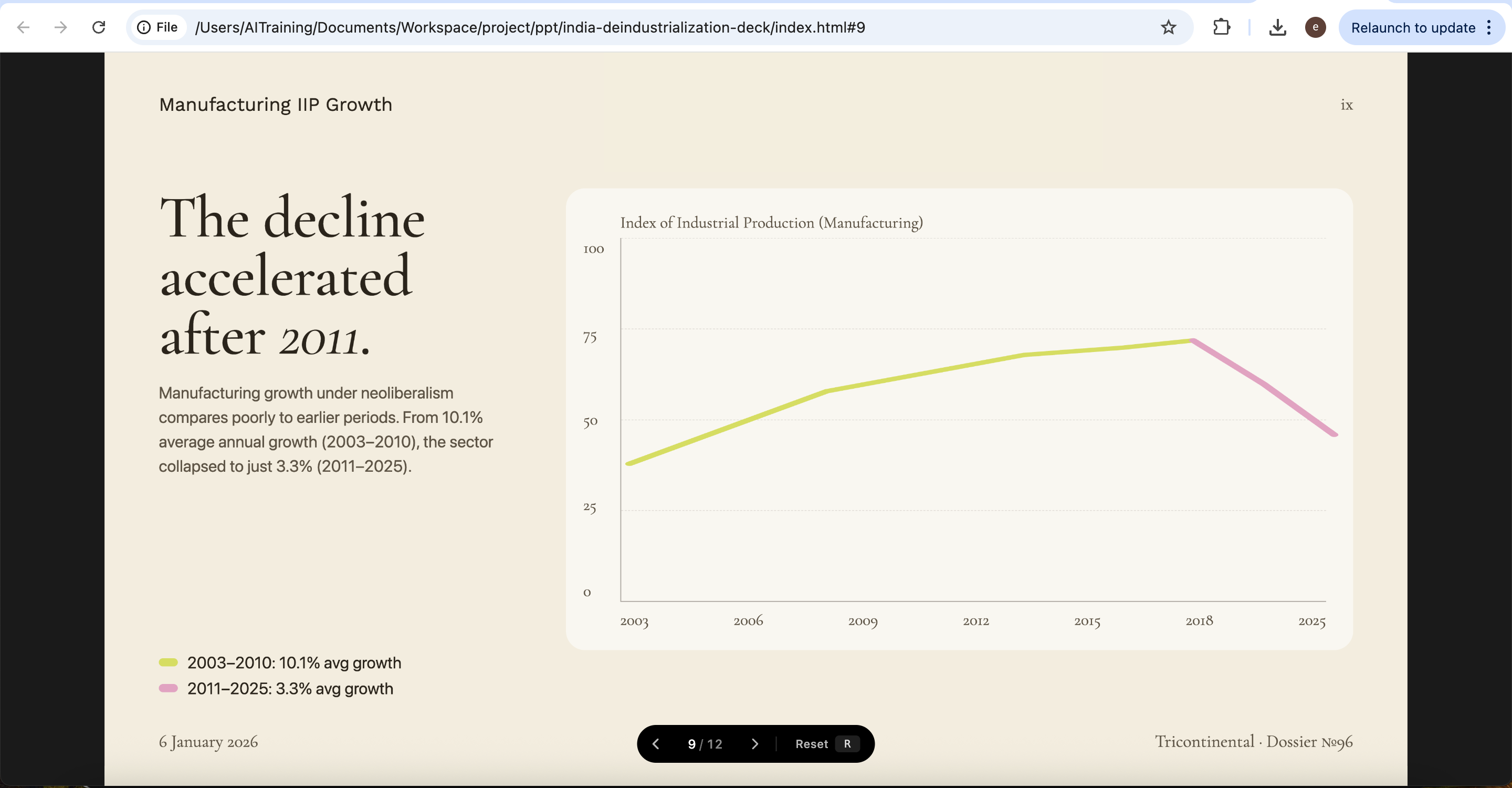
AI-generated slide created by beautiful-html-templates, based on Tricontinental’s dossier The Turbulence of the Indian Economy.
PowerPoint Generation Tools
Automating Deck Generation in PowerPoint Format
Many academic deliverables still require PowerPoint as the output format — conference presentations, courses, thesis defenses, and workshops being among the most common. Tools that automate PowerPoint generation provide an alternative path: AI handles the content while the tool ensures the final output is a usable .pptx file.
This kind of tool is especially suitable for research teams and teaching scenarios. Trainers and teachers, for instance, can structure course materials and then batch-produce handouts or presentations with a consistent style, reducing repetitive layout work across multiple decks.
One such tool is PPT Master. To install it in Agent, enter:
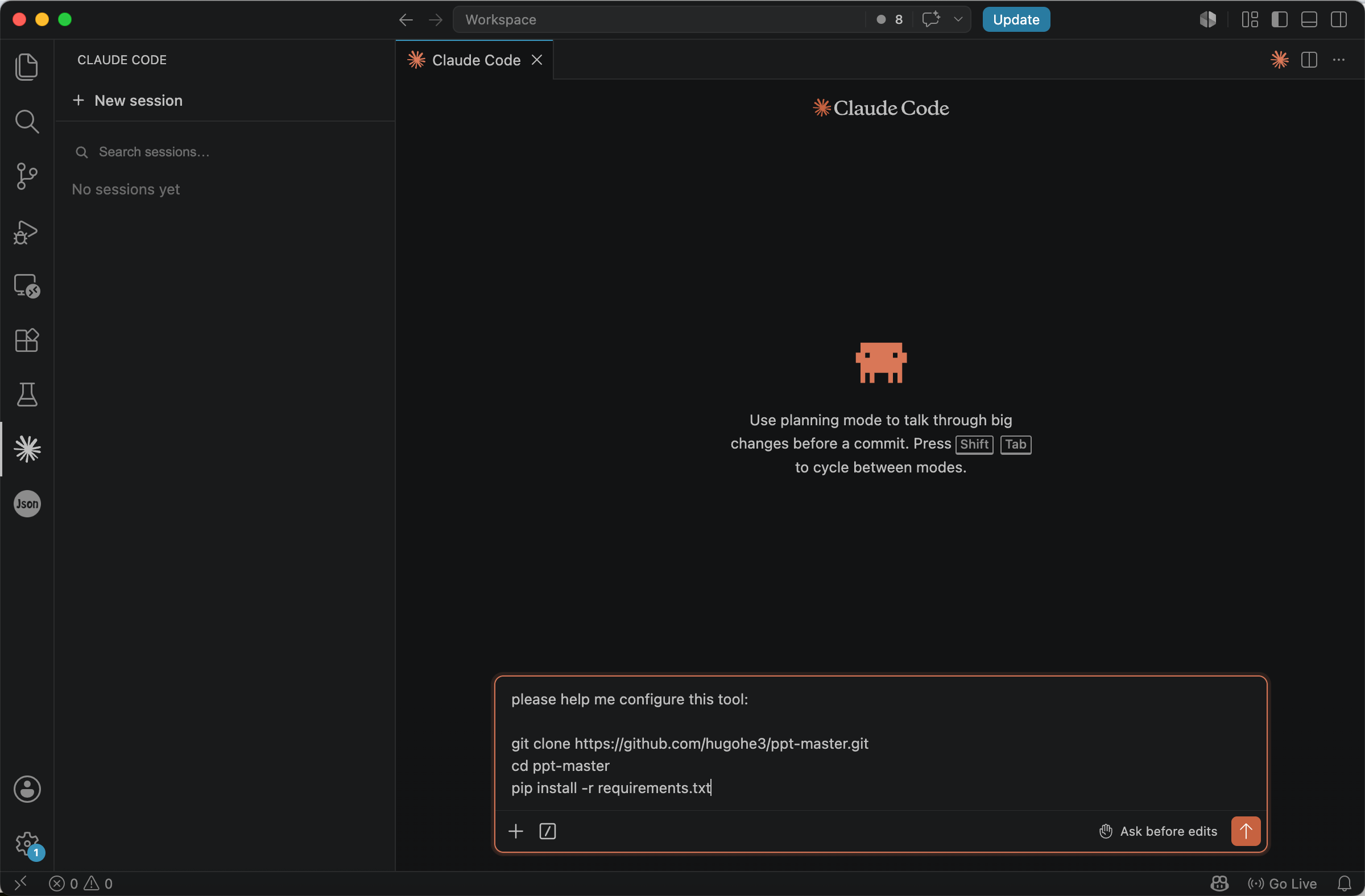
Please help me configure this tool:

git clone https://github.com/hugohe3/ppt-master.git
cd ppt-master
pip install -r requirements.txt
After installation is complete, open the directory and you will see that the project has been successfully configured locally.
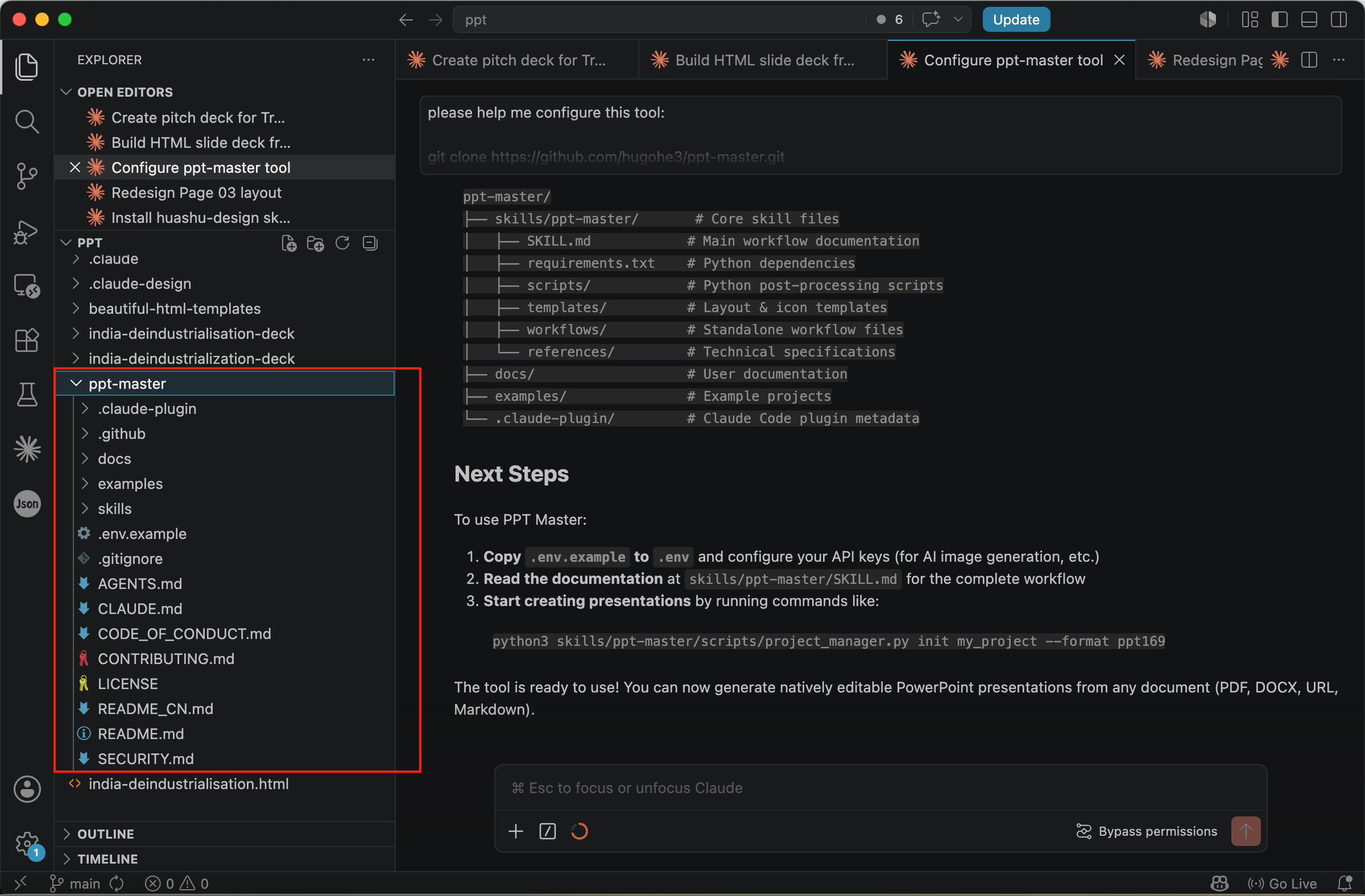
Then, enter:
Please turn the following into a PPT: [your document to convert]
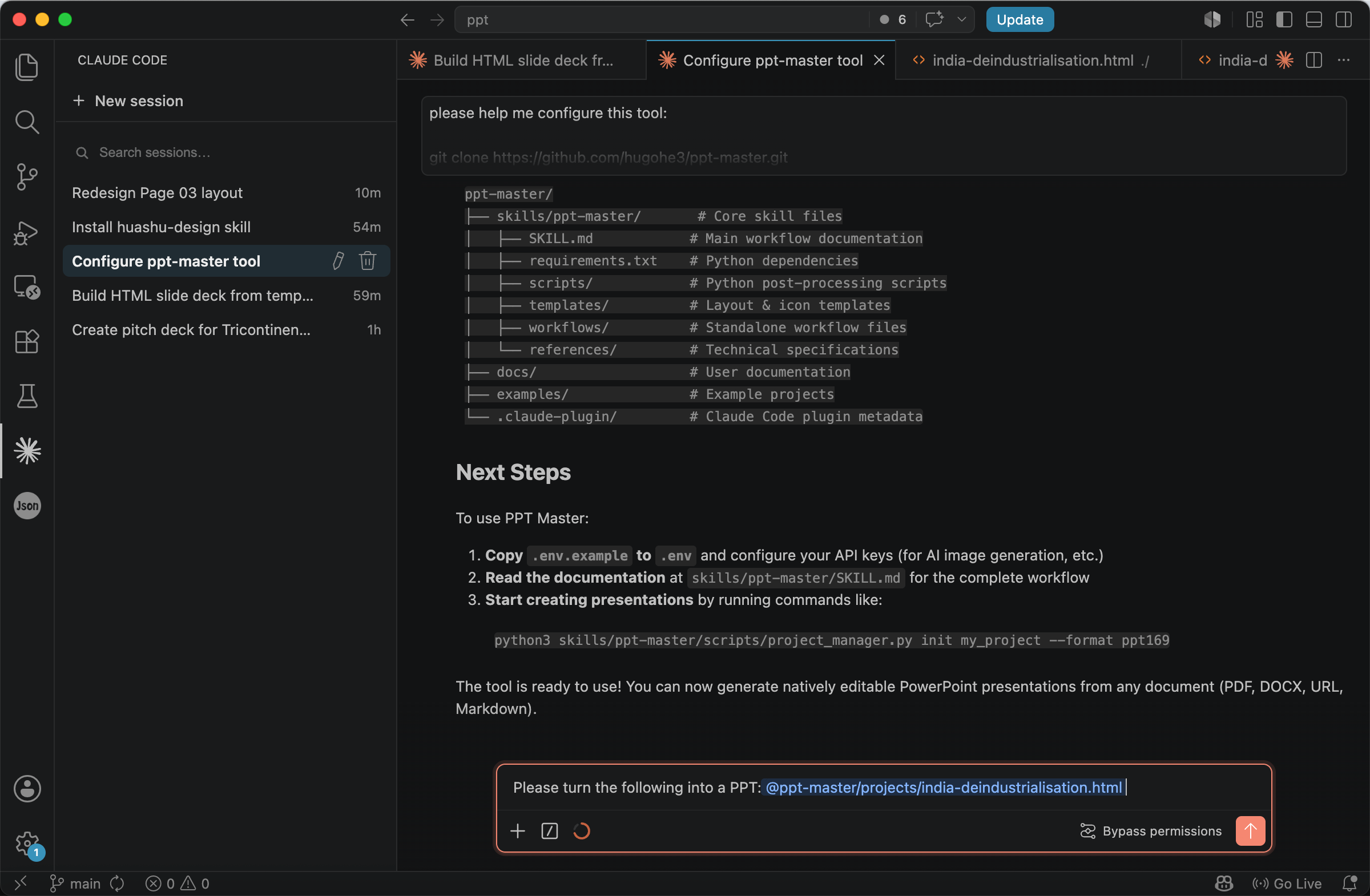
And the previously generated HTML document can be converted into a PPT. The author also recommends placing the file to be converted in the ppt-master/projects directory for easier management.
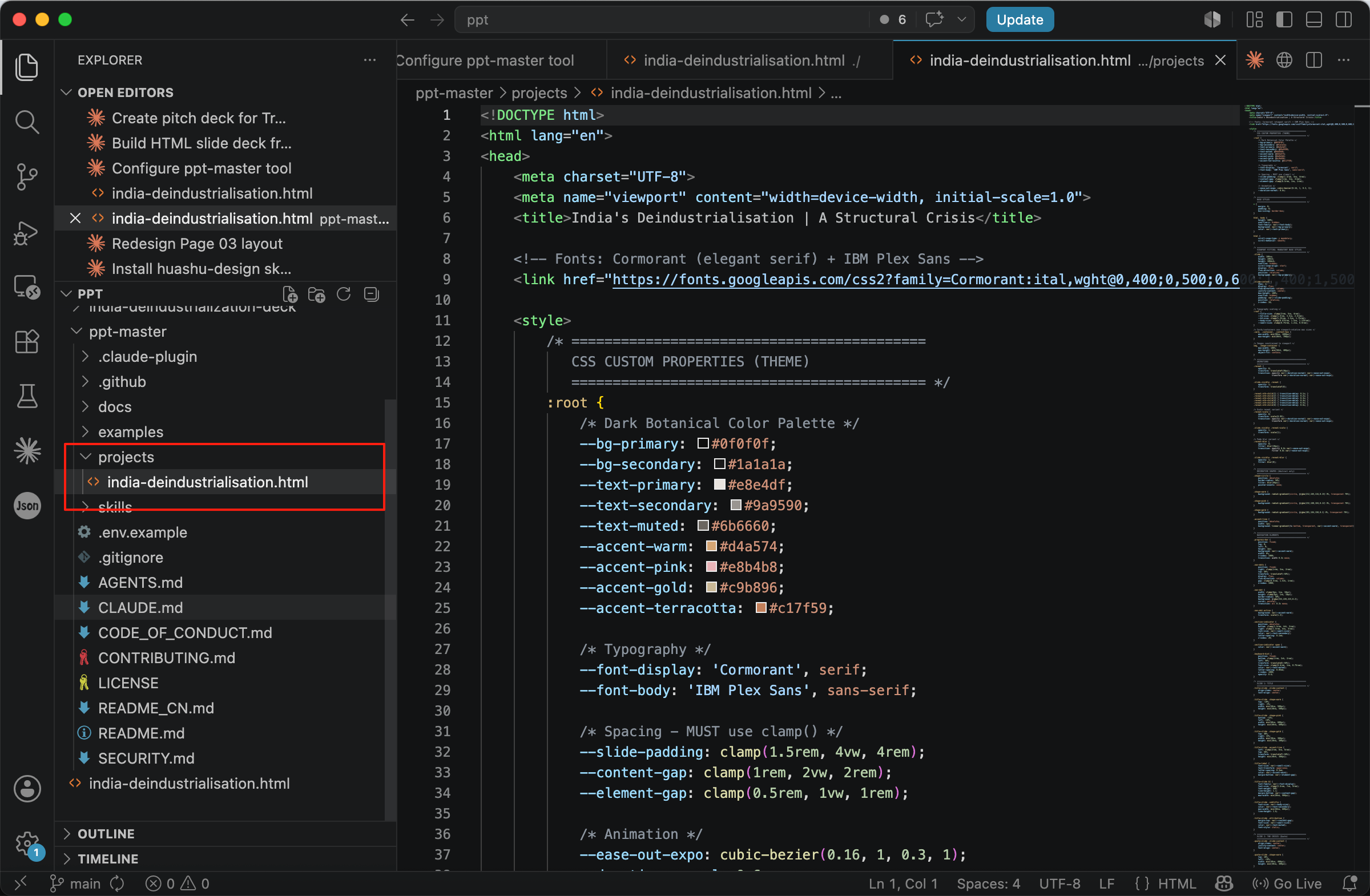
Once the process is complete, the newly generated PPT file can be found in the exports folder.
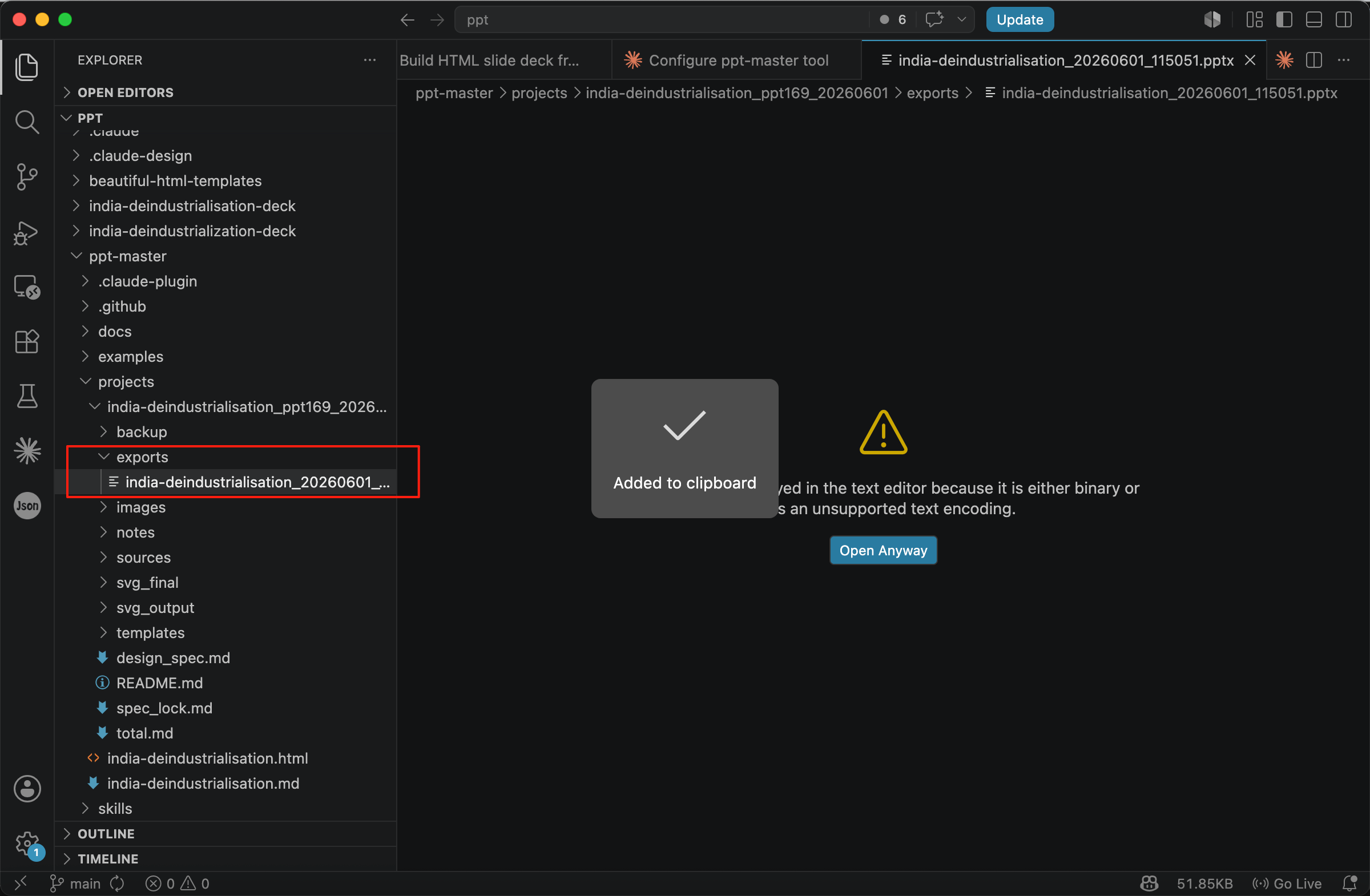
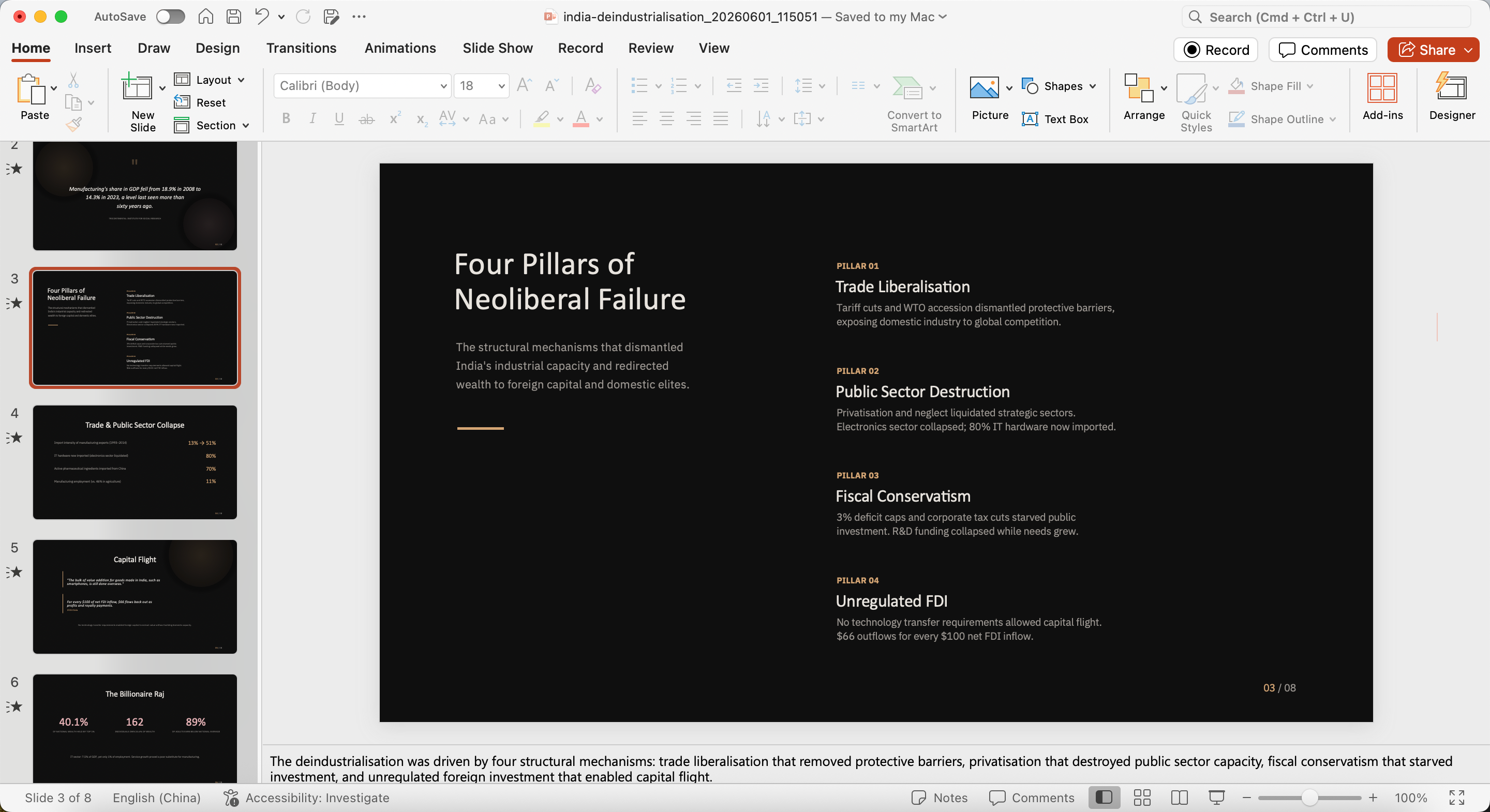
AI-generated slide created by PPT Master, based on Tricontinental’s dossier The Turbulence of the Indian Economy.
General AI Design Systems
Generating Through a Design-System Skill
A more comprehensive approach is to use a full design system rather than individual templates. Where templates provide pre-set layouts, a design system provides a coordinated set of visual rules — alignment, margins, color schemes, typography hierarchy, and reusable components — that apply consistently across every page.
This is especially useful in research contexts, where content is often structurally repetitive. Methodology overviews, case studies, comparative analyses, and data visualizations share recurring patterns; once these patterns are encoded as design-system rules, AI can handle content generation while the system handles visual consistency.
One such skill is Huashu Design. To install it in Agent, enter:
Please help me install this skill:

npx skills add alchaincyf/huashu-design
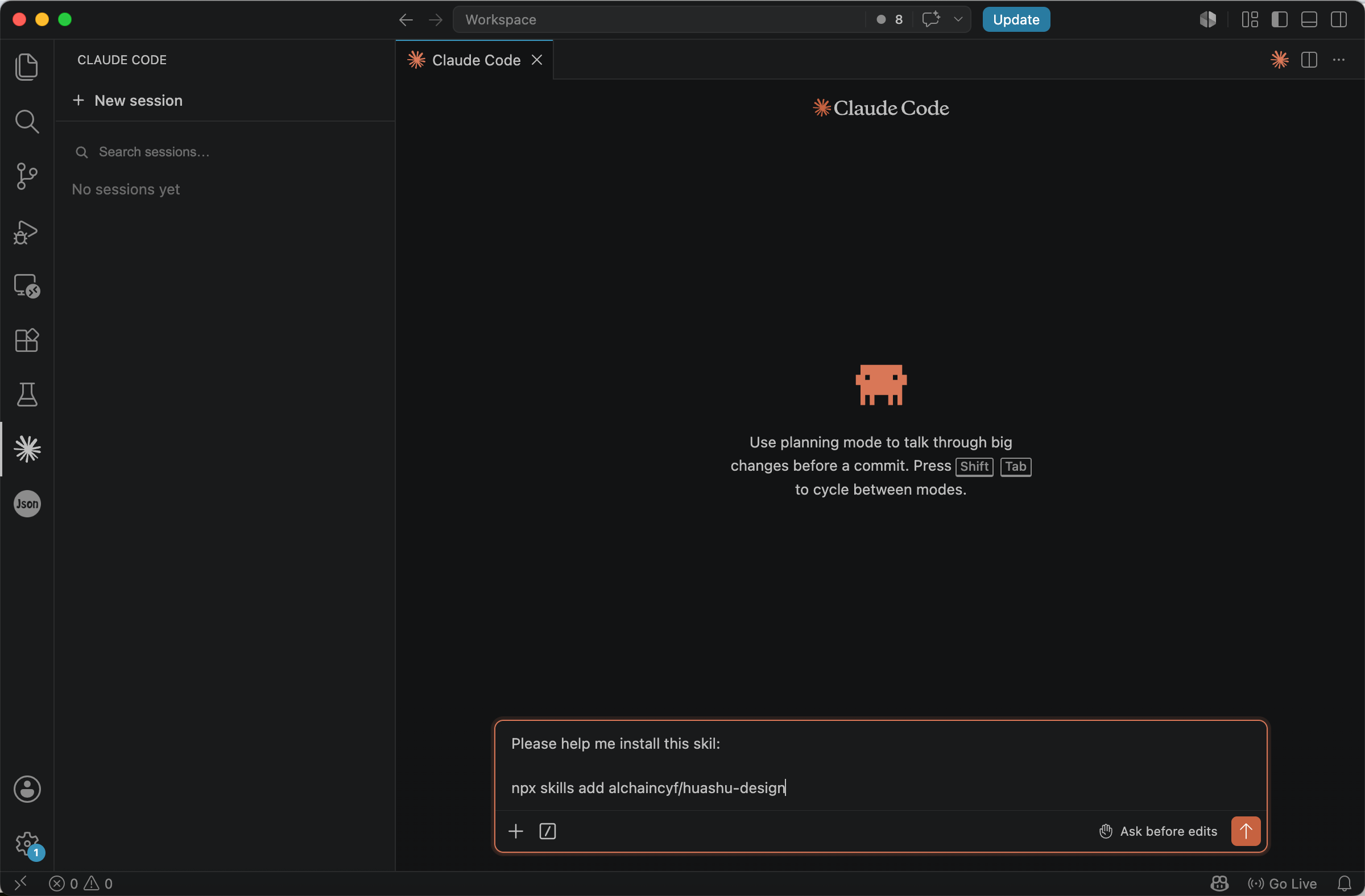
After installation, you may need to restart Agent once to refresh the skill. You can then use the /huashu-design command to call huashu-design for creation.
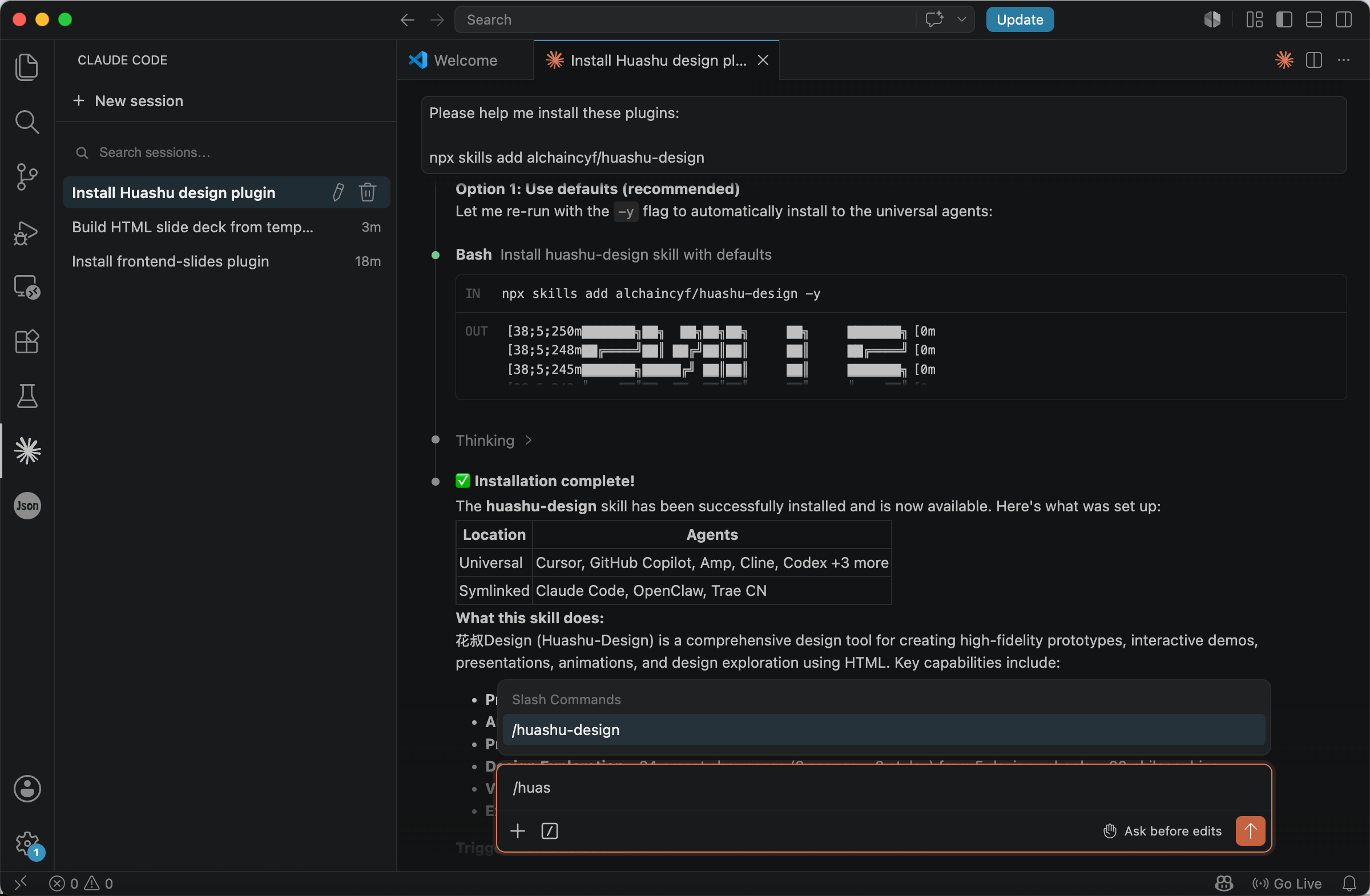
For example, you can enter:
/huashu-design Make a HTML deck for https://thetricontinental.org/dossier-india-deindustrialisation/.
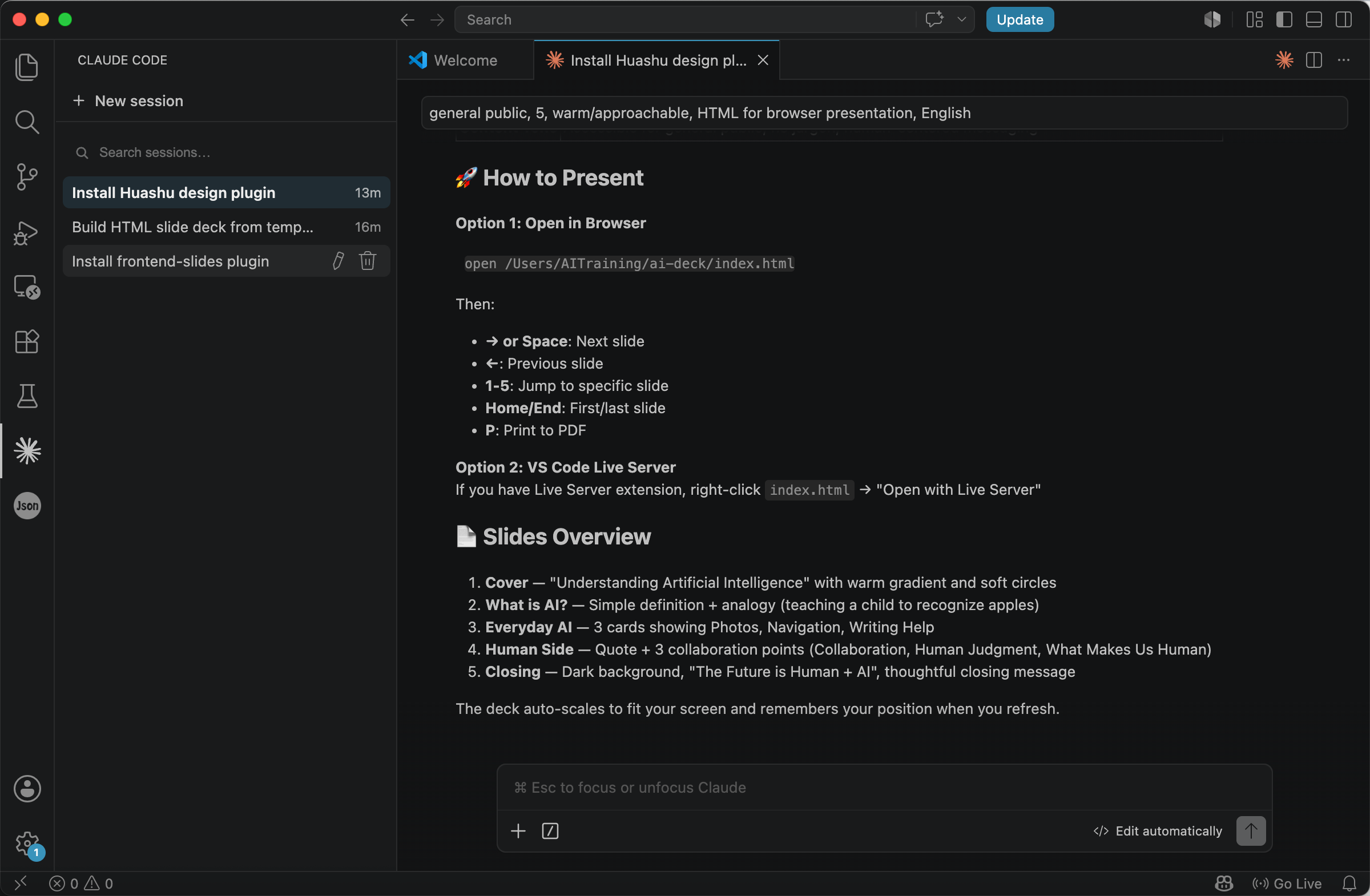
Once generation is complete, you can see the final HTML presentation.
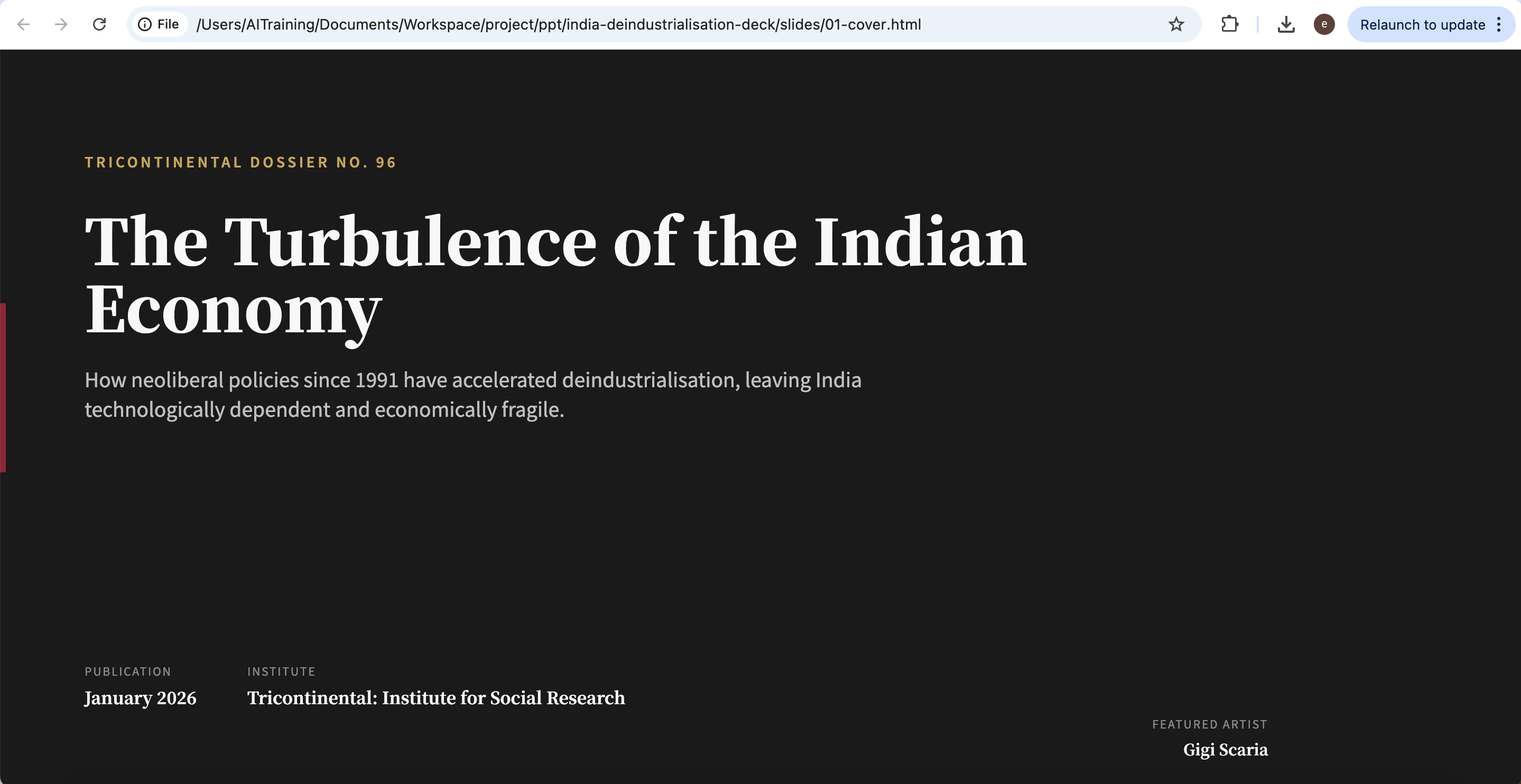
AI-generated slide created by Huashu Design, based on Tricontinental’s dossier The Turbulence of the Indian Economy.
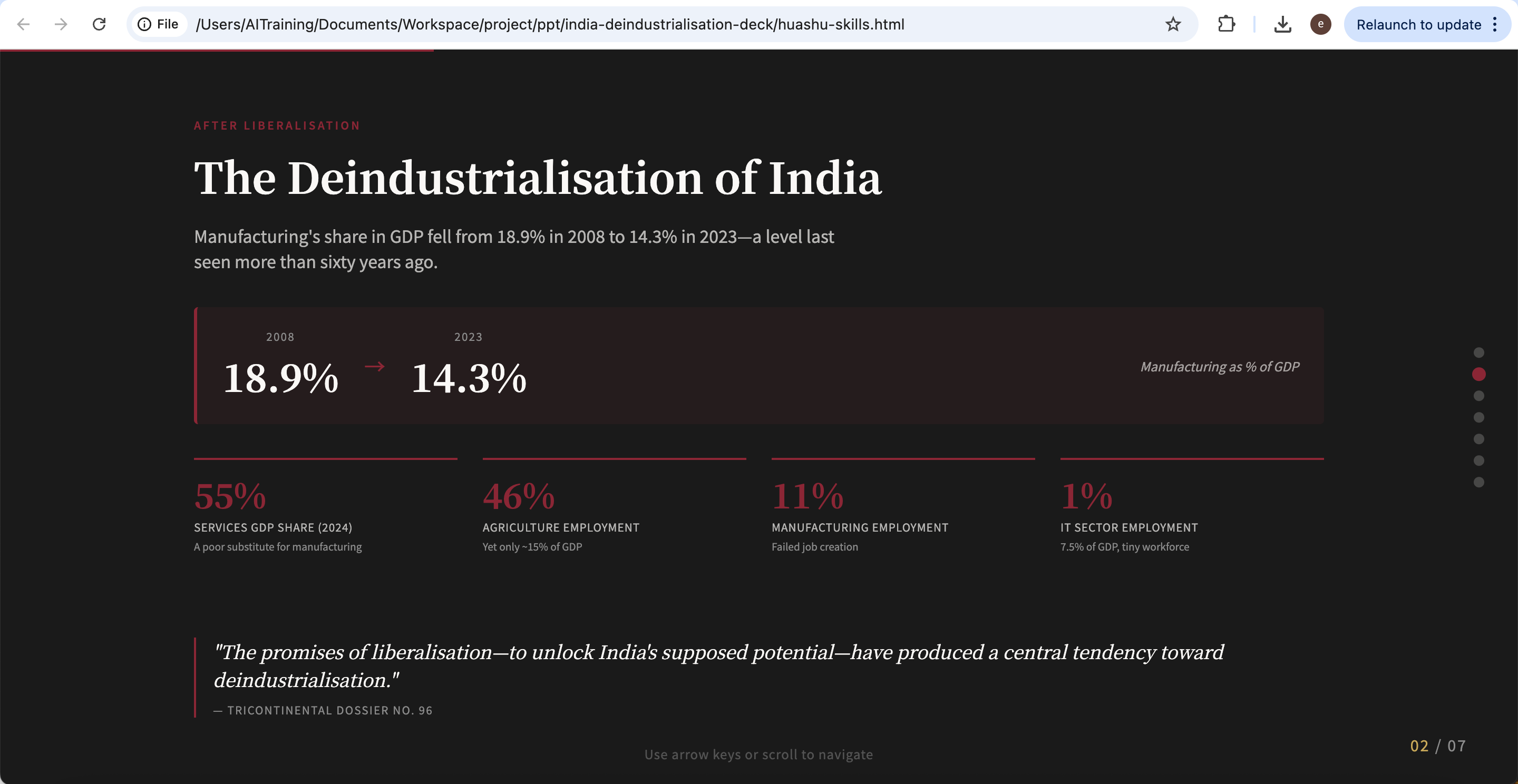
AI-generated slide created by Huashu Design, based on Tricontinental’s dossier The Turbulence of the Indian Economy.
Using a Standalone Design Application
A standalone design application takes this further. Rather than living inside Agent as a skill, a dedicated design application provides a complete visual environment — component systems, visual asset management, collaborative editing, and unified design standards that can extend across slides, figures, posters, and other publication outputs. This direction is closer to an open-source version of Figma or Canva, with a stronger emphasis on openness and extensibility.
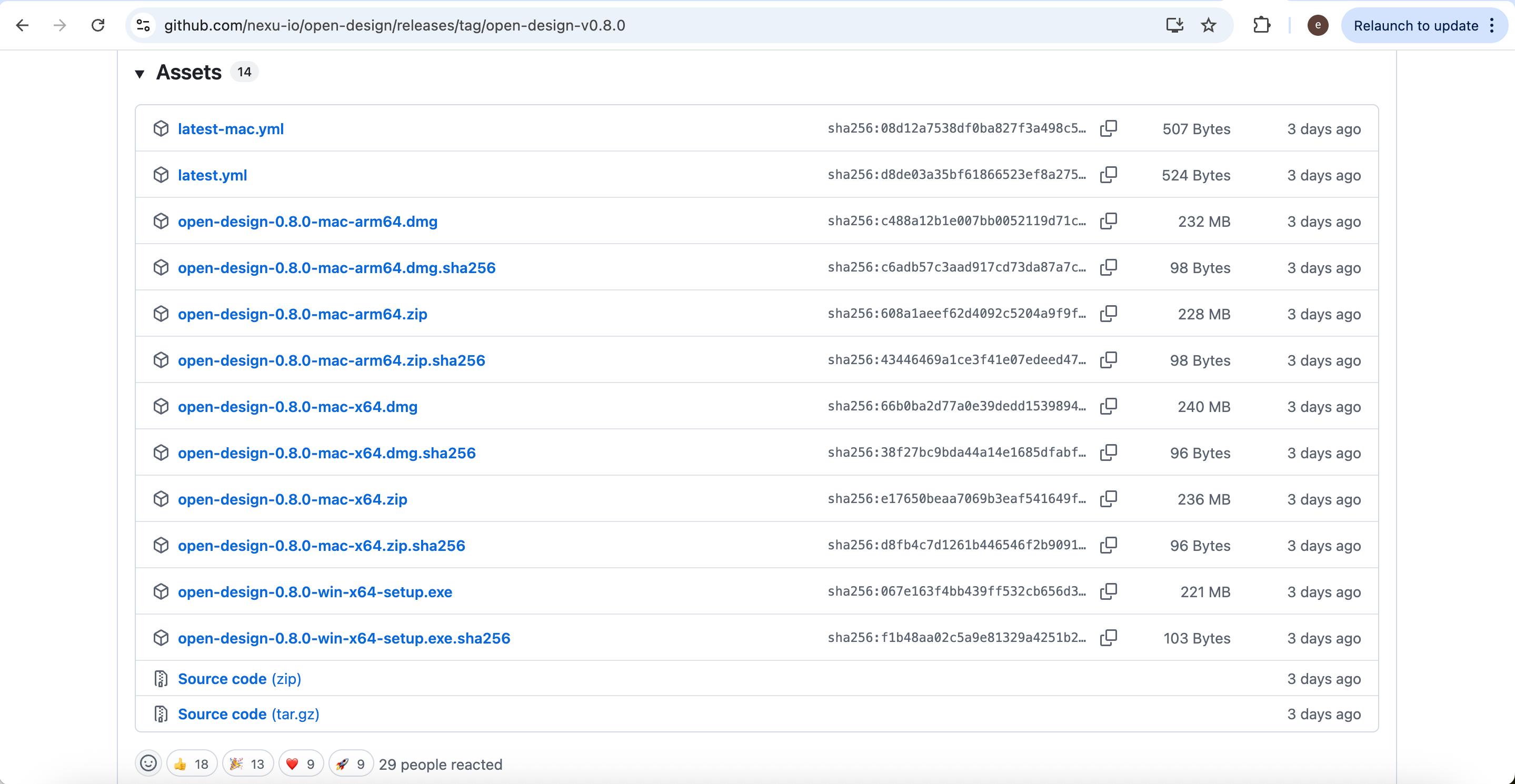
One such application is Open Design. Download the version for your operating system from: https://github.com/nexu-io/open-design/releases/tag/open-design-v0.8.0
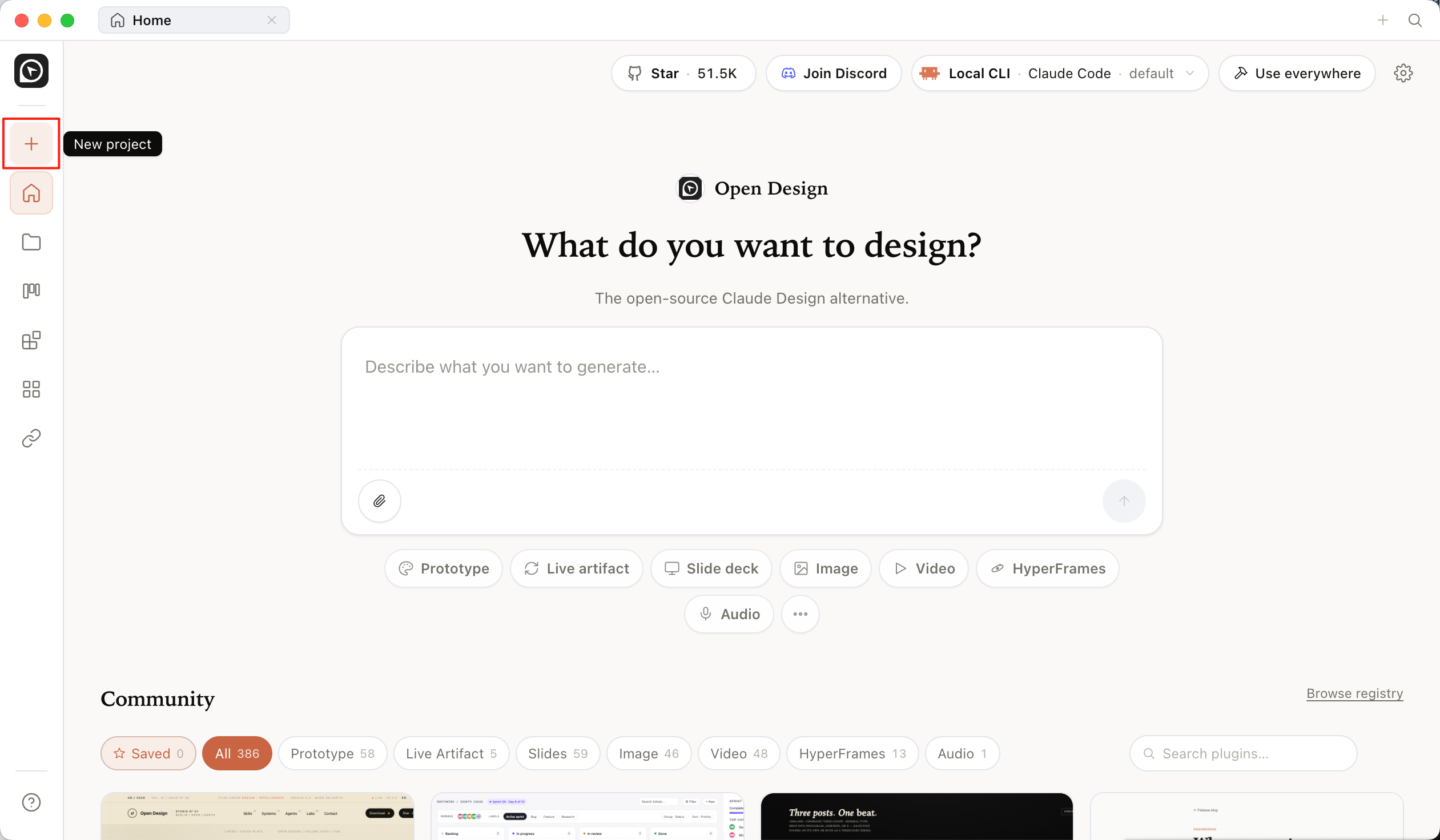
After installation and configuration are complete, you can create a new Open Design project.
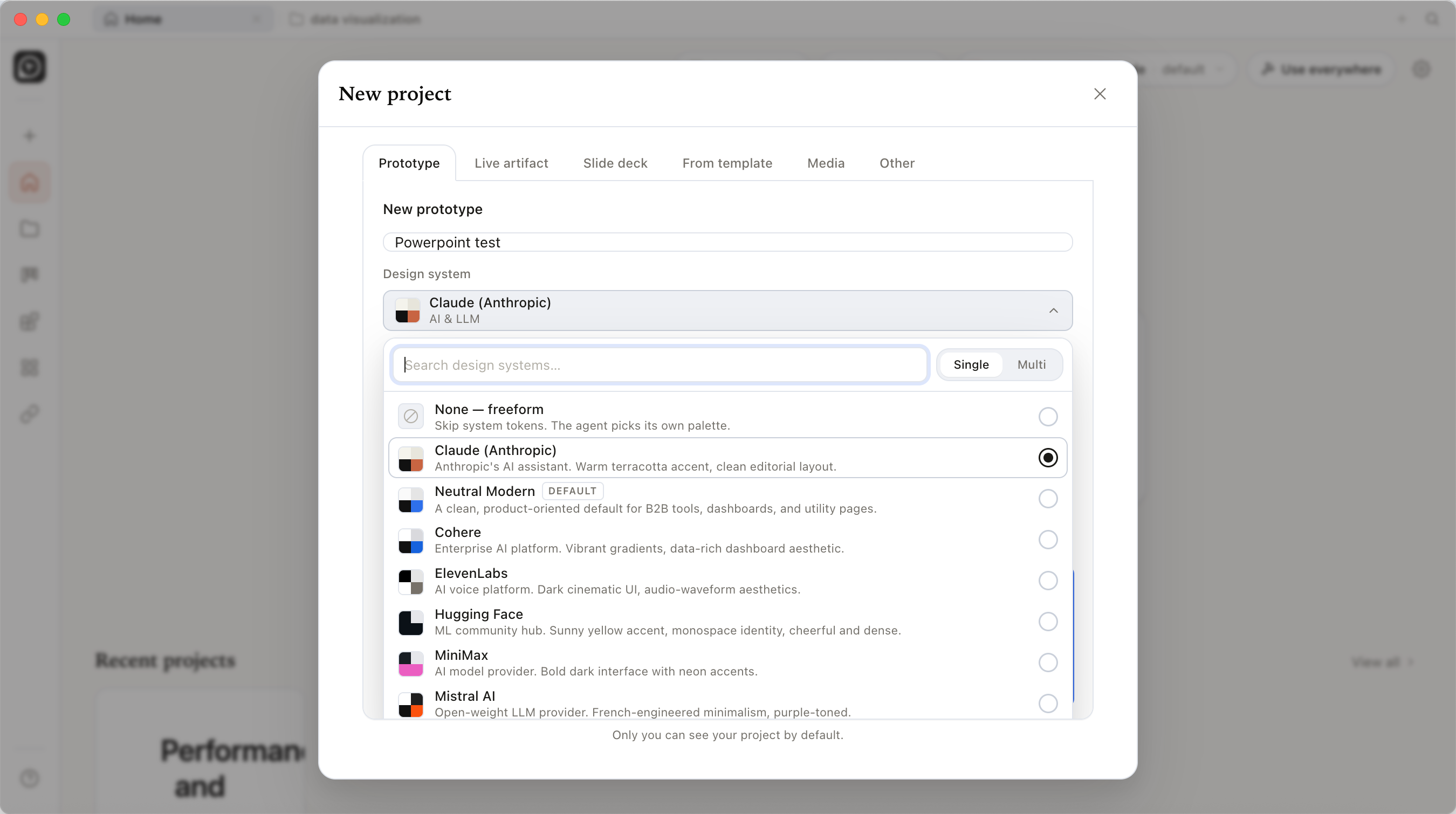
Next, enter the project name and choose the corresponding design system style.
Once the project is created, you can directly describe the presentation you want to generate in natural language.
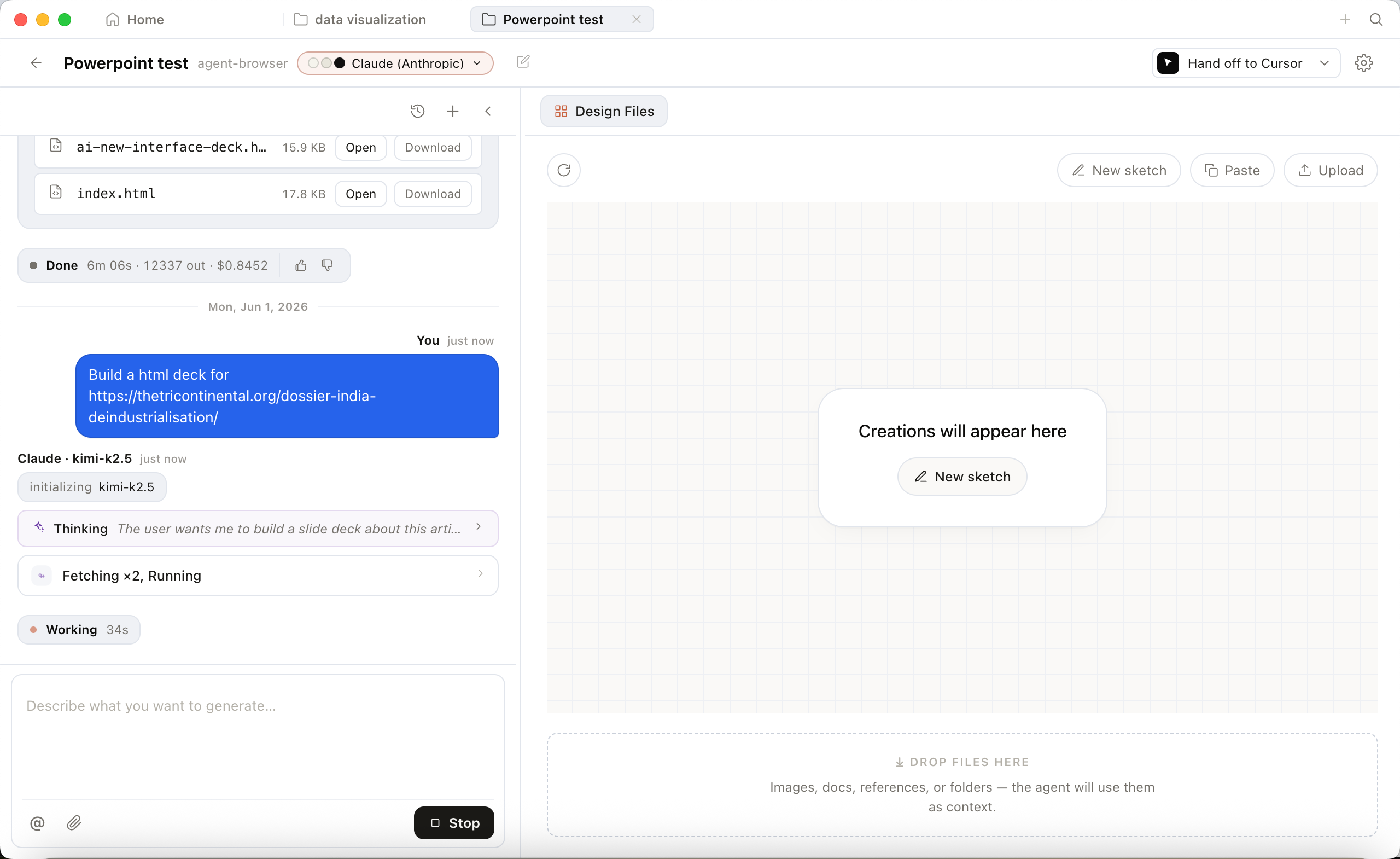
After generation, an HTML chart preview will be displayed in real time on the right side.
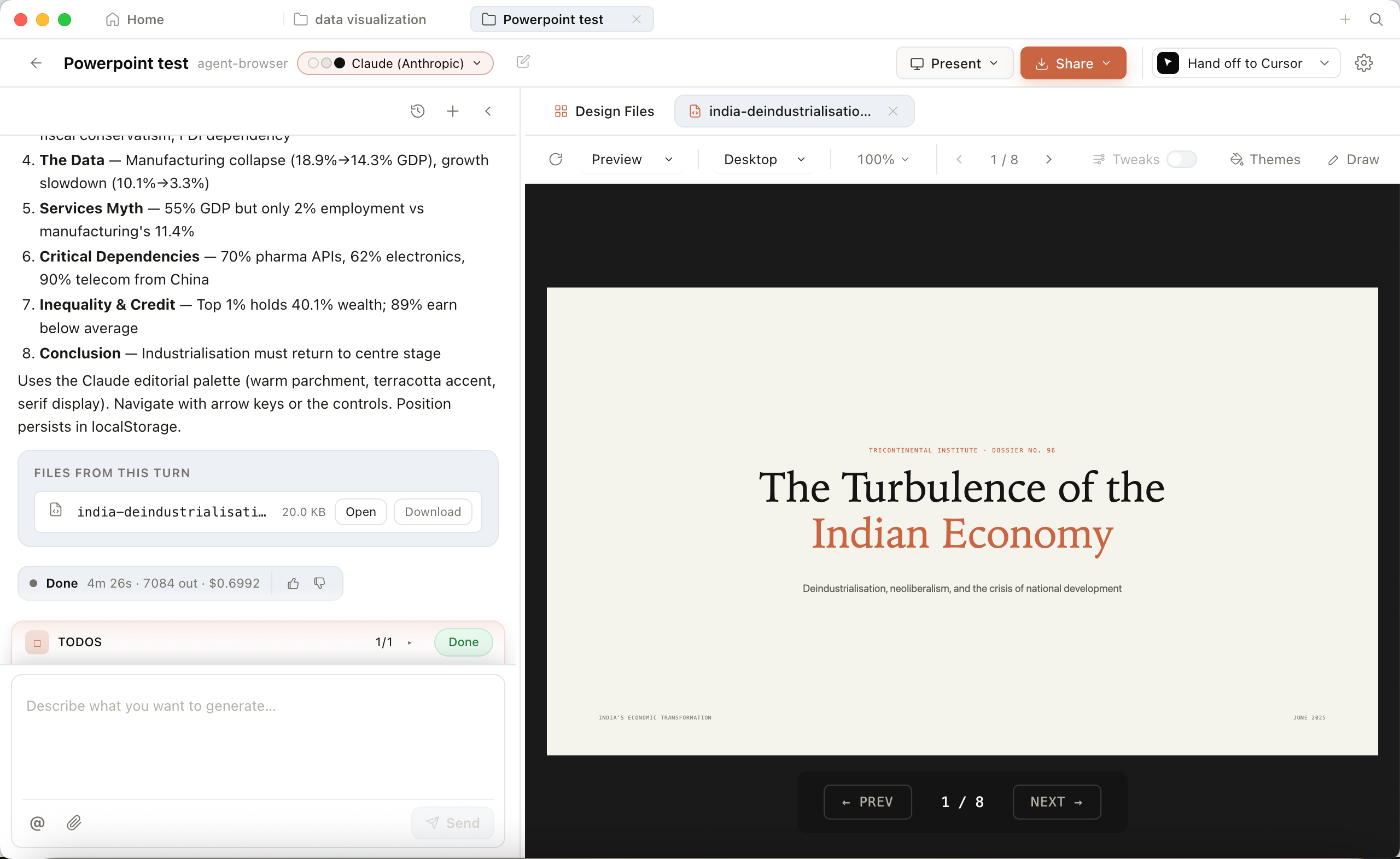
AI-generated slide created by Open Design, based on Tricontinental’s dossier The Turbulence of the Indian Economy.
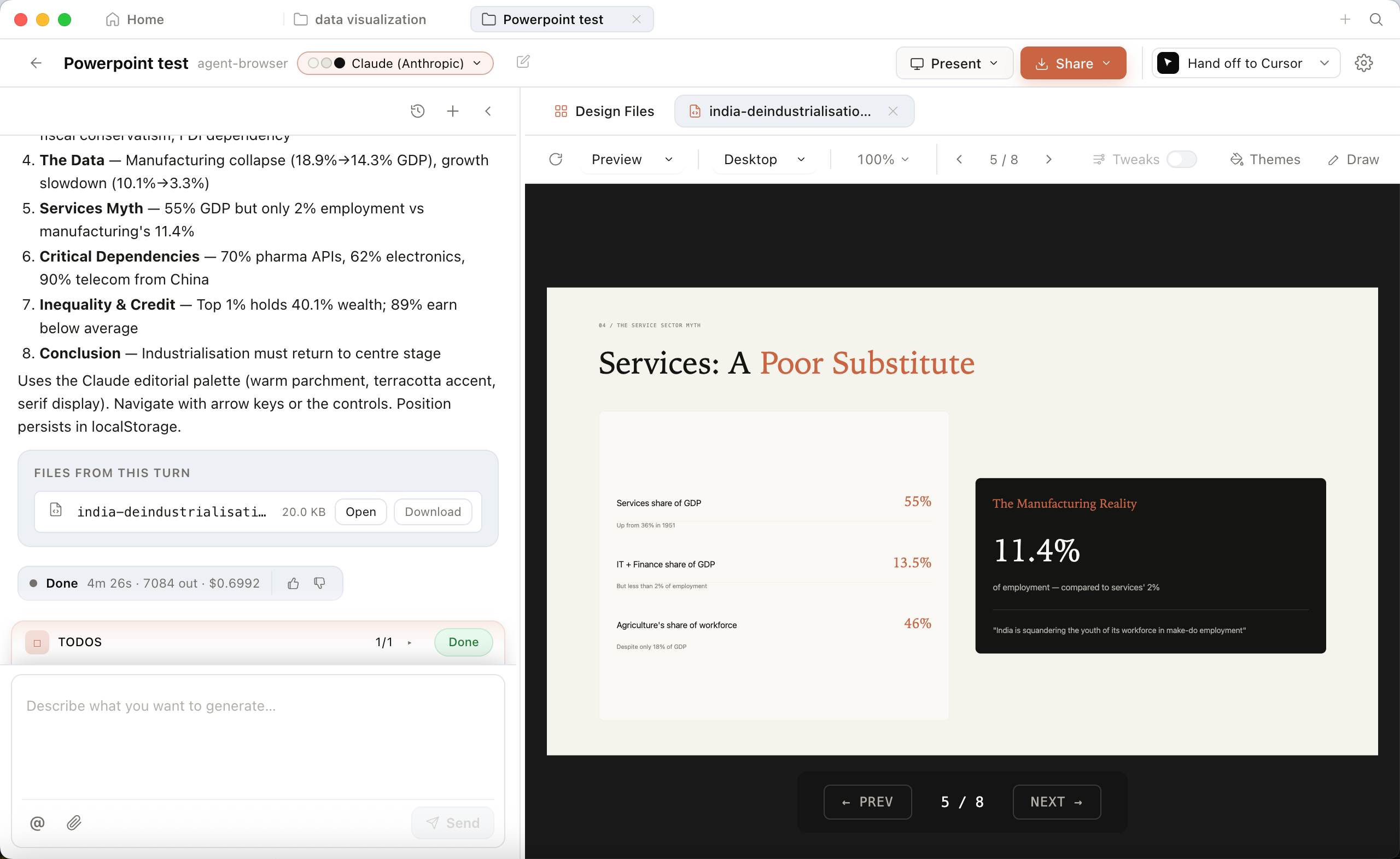
AI-generated slide created by Open Design, based on Tricontinental’s dossier The Turbulence of the Indian Economy.
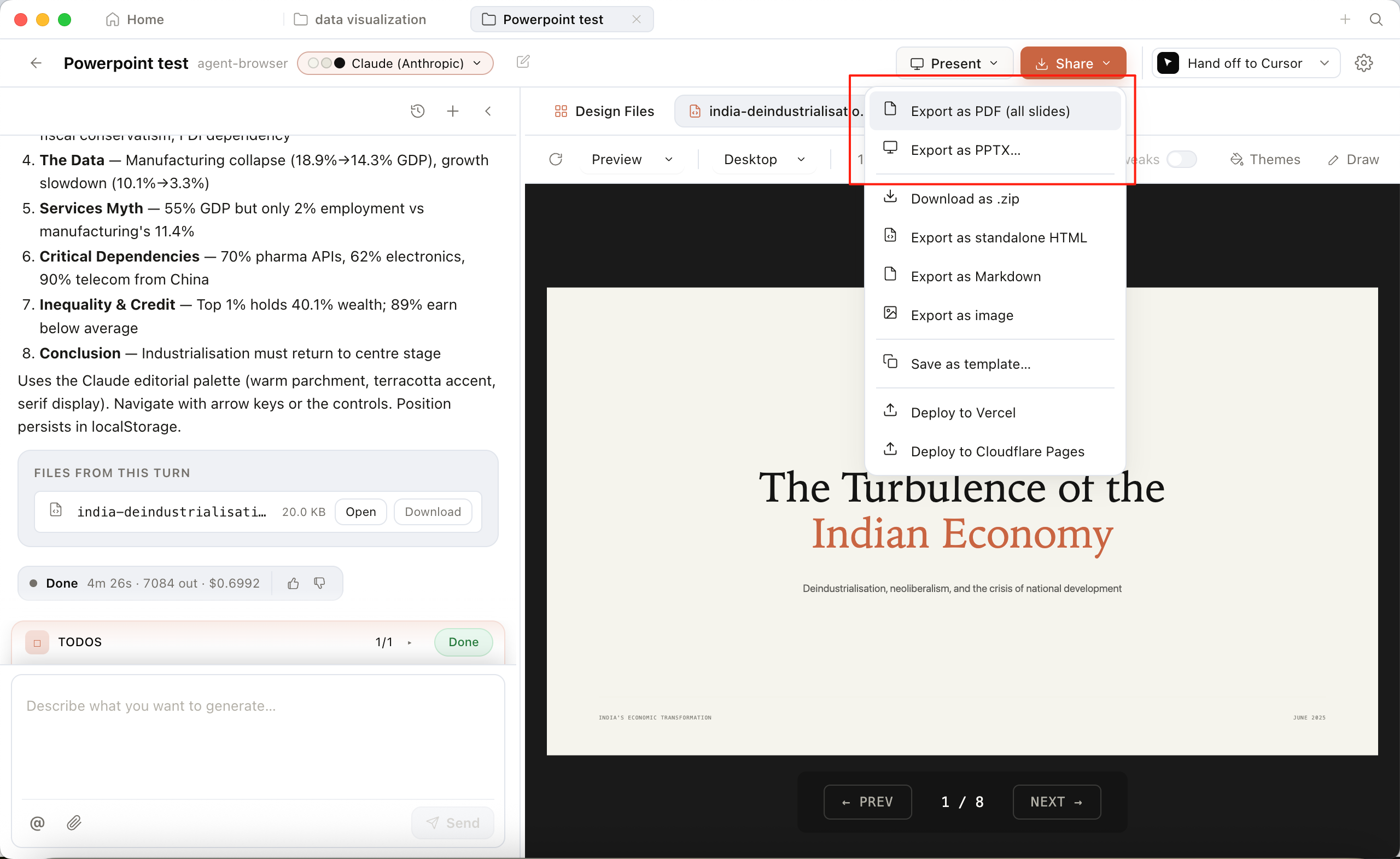
Compared with traditional screenshot-based plotting, the biggest advantage of this approach is that the generated charts are truly editable, scalable, and reusable front-end charts. In the end, you can also export the result as PDF, PPTX, or HTML for use in papers, web pages, or presentations.
How to Edit Generated HTML
Although the generated HTML presentation usually already meets basic needs, in practical use it often still requires multiple rounds of adjustment. Fortunately, for AI, editing HTML has become very easy. Users do not need to master complicated syntax; they only need to describe their requirements accurately.
For example, if you want to redesign the layout of a specific page in the previously generated HTML document, you only need to enter:
Please help me redesign the layout of Page 03 in the file @india-deindustrialisation.html
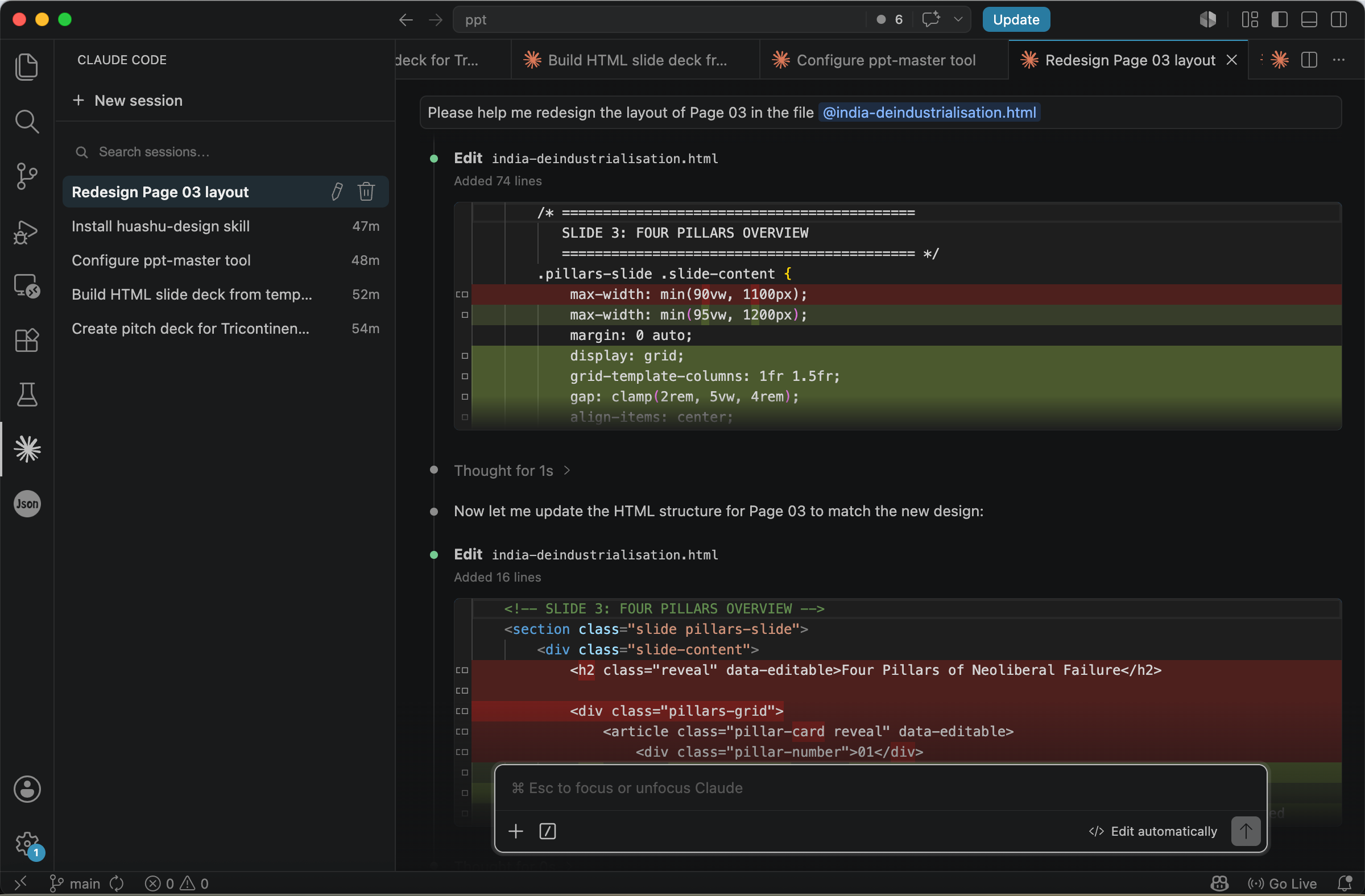
After Agent finishes the task, you can return to the browser and see that the HTML presentation has been successfully updated.
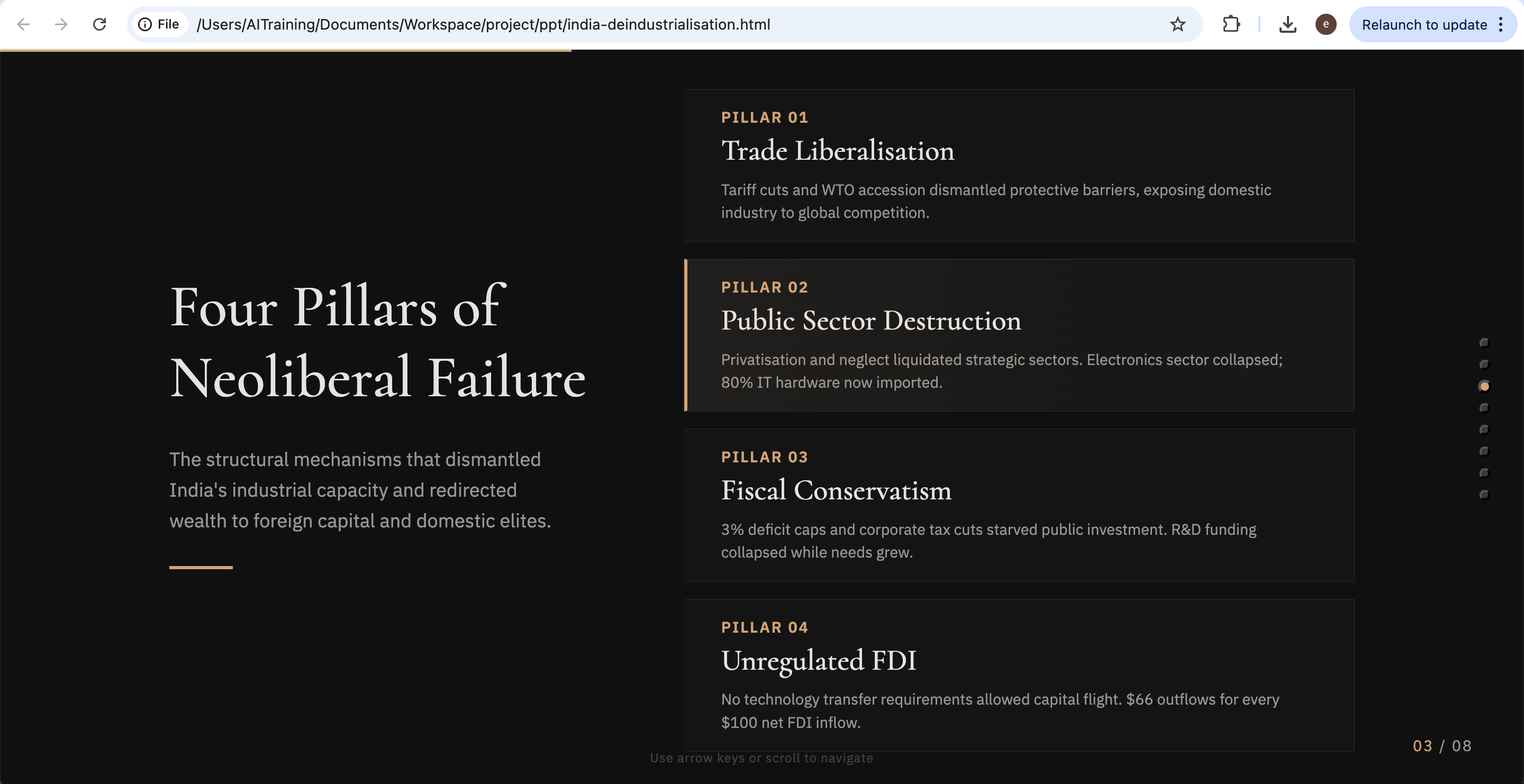
Redesigned slide with an updated layout, based on Tricontinental’s dossier The Turbulence of the Indian Economy.
How to Find More Design Skills
AI is developing very quickly, and it is possible that before long, the tools introduced in this article will gradually be replaced by newer solutions. Therefore, at the end of this article, one more tool is introduced for automatically discovering new skills.
Open Agent and enter:
Please help me install this skill globally:

npx skills add https://github.com/vercel-labs/skills --skill find-skills
After Agent completes the installation, the system will successfully add a tool for searching skills.
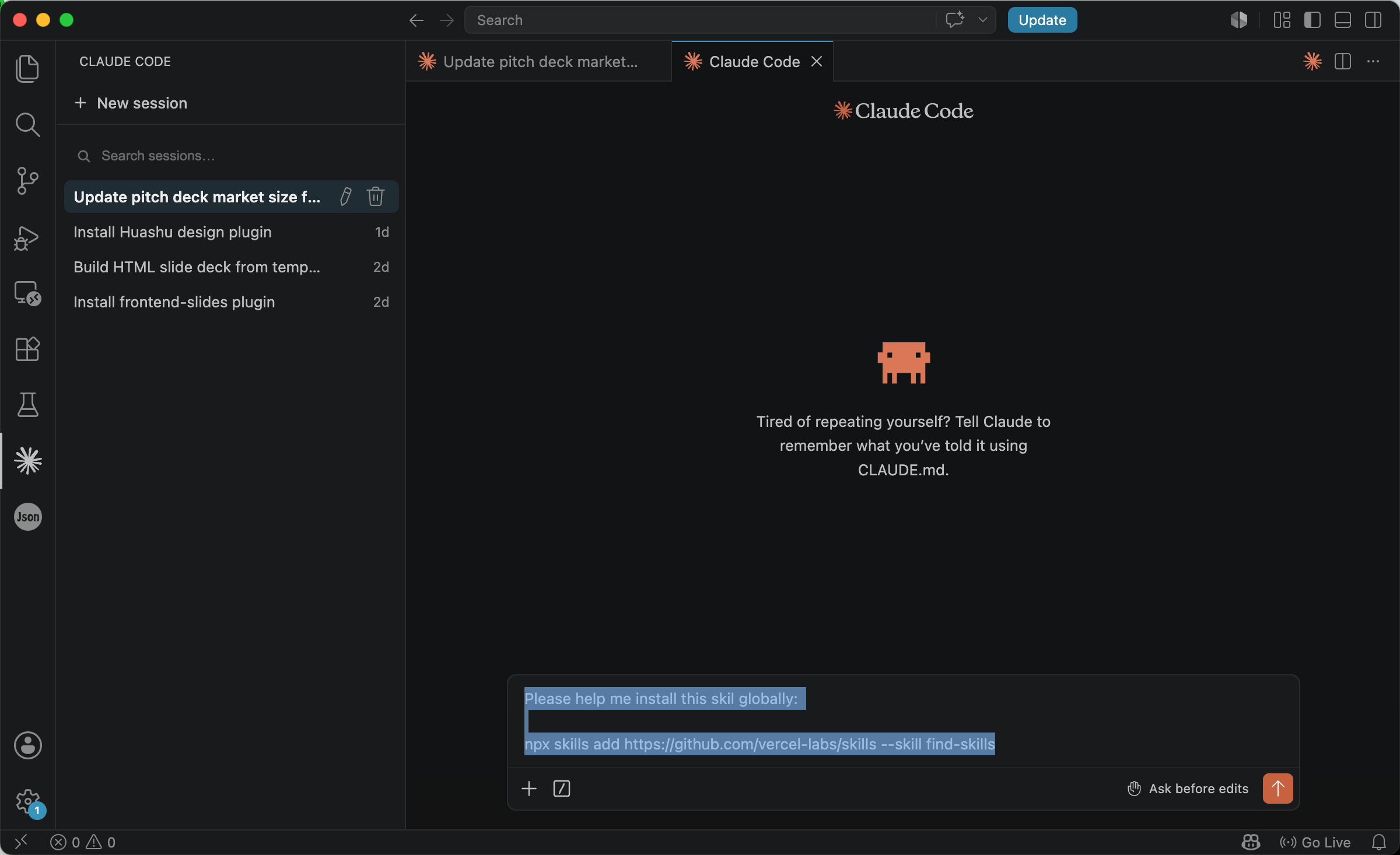
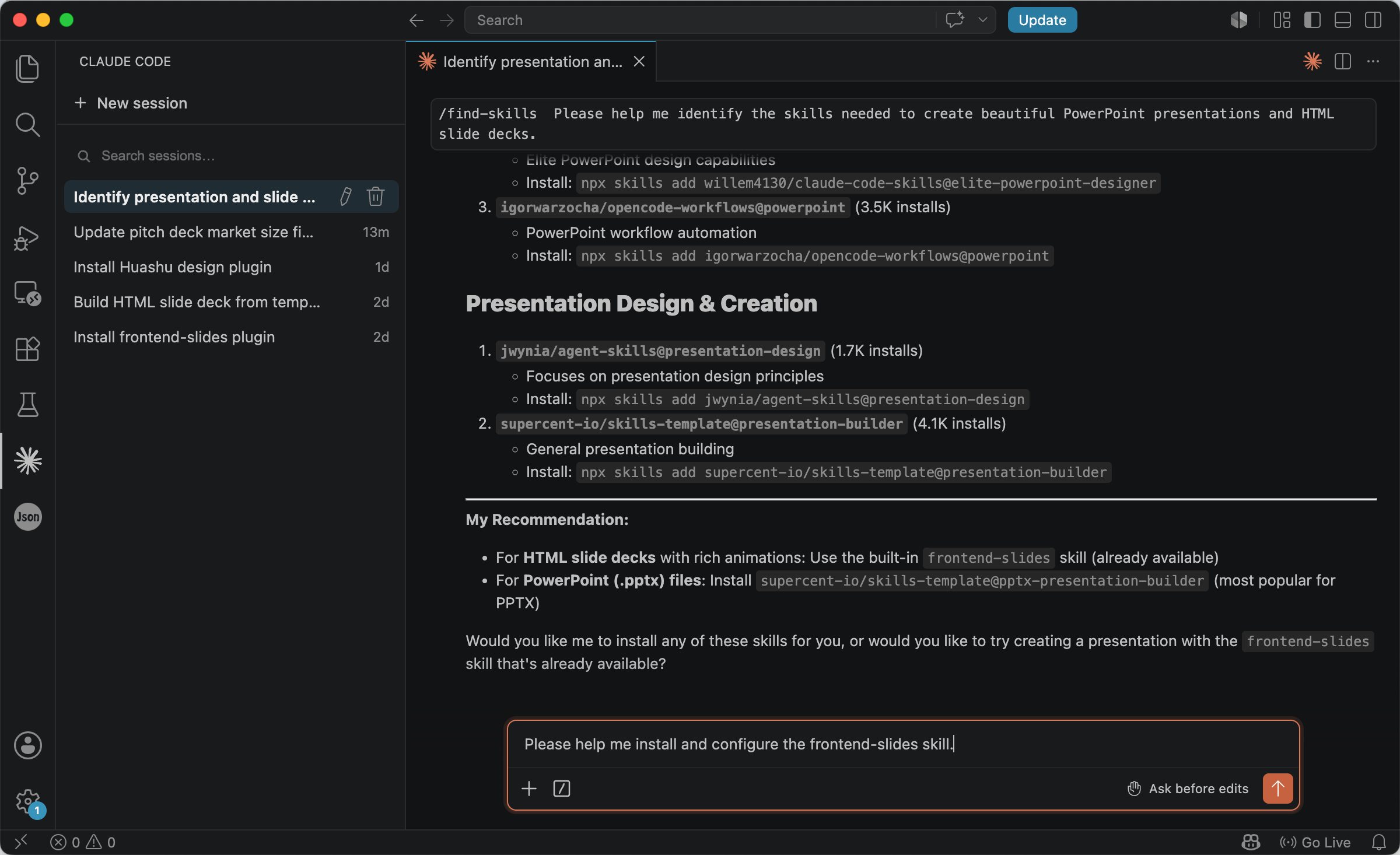
This skill is highly practical because it can automatically find suitable skills based on the task requirements. For example, if you enter the following in the input box:
/find-skills Please help me identify the skills needed to create beautiful PowerPoint presentations and HTML slide decks.
Agent will automatically search for a large number of related skills, along with their download counts, brief descriptions, and installation methods.
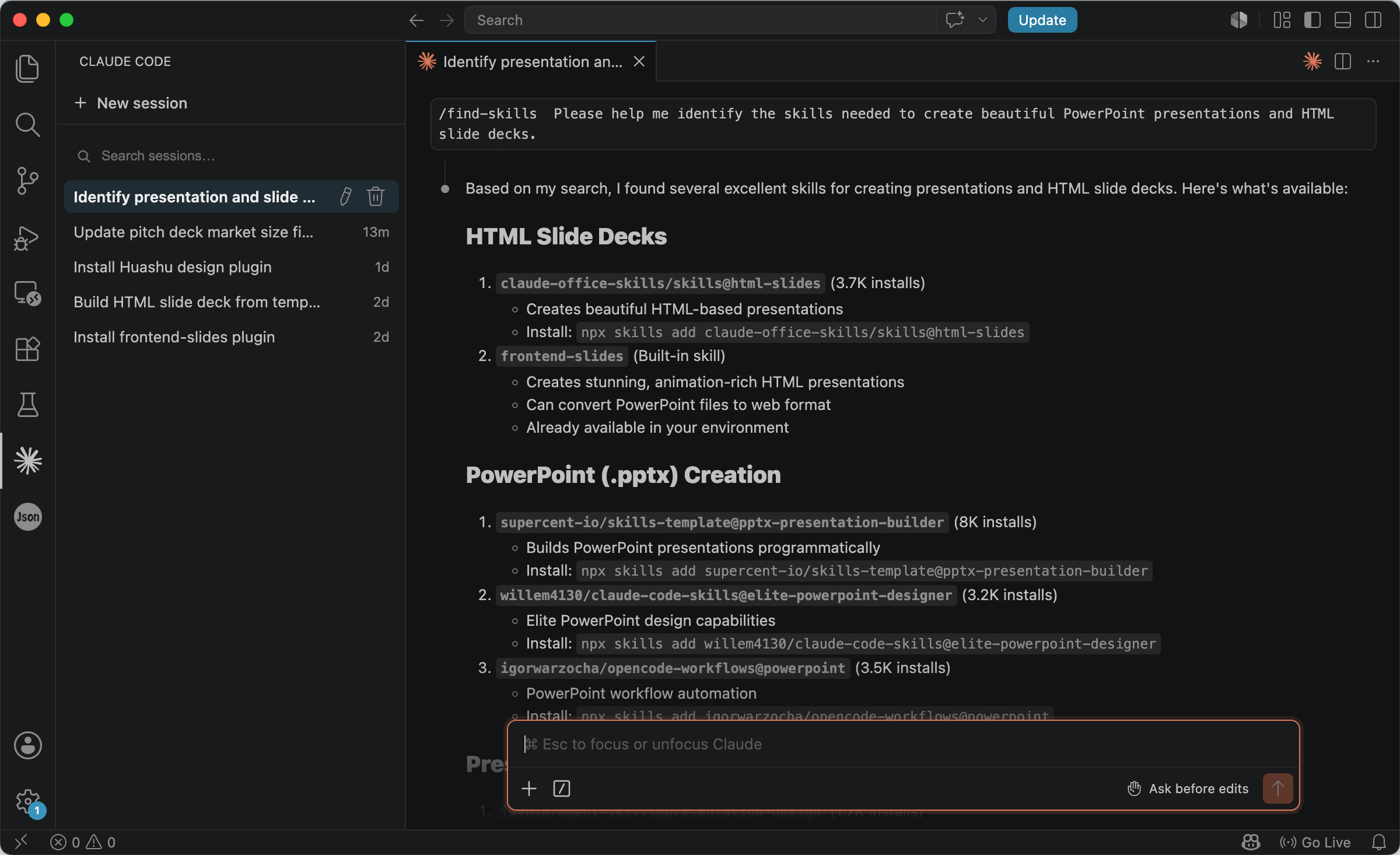
If you are satisfied with the search results, you can also directly choose a corresponding skill to install. For example:
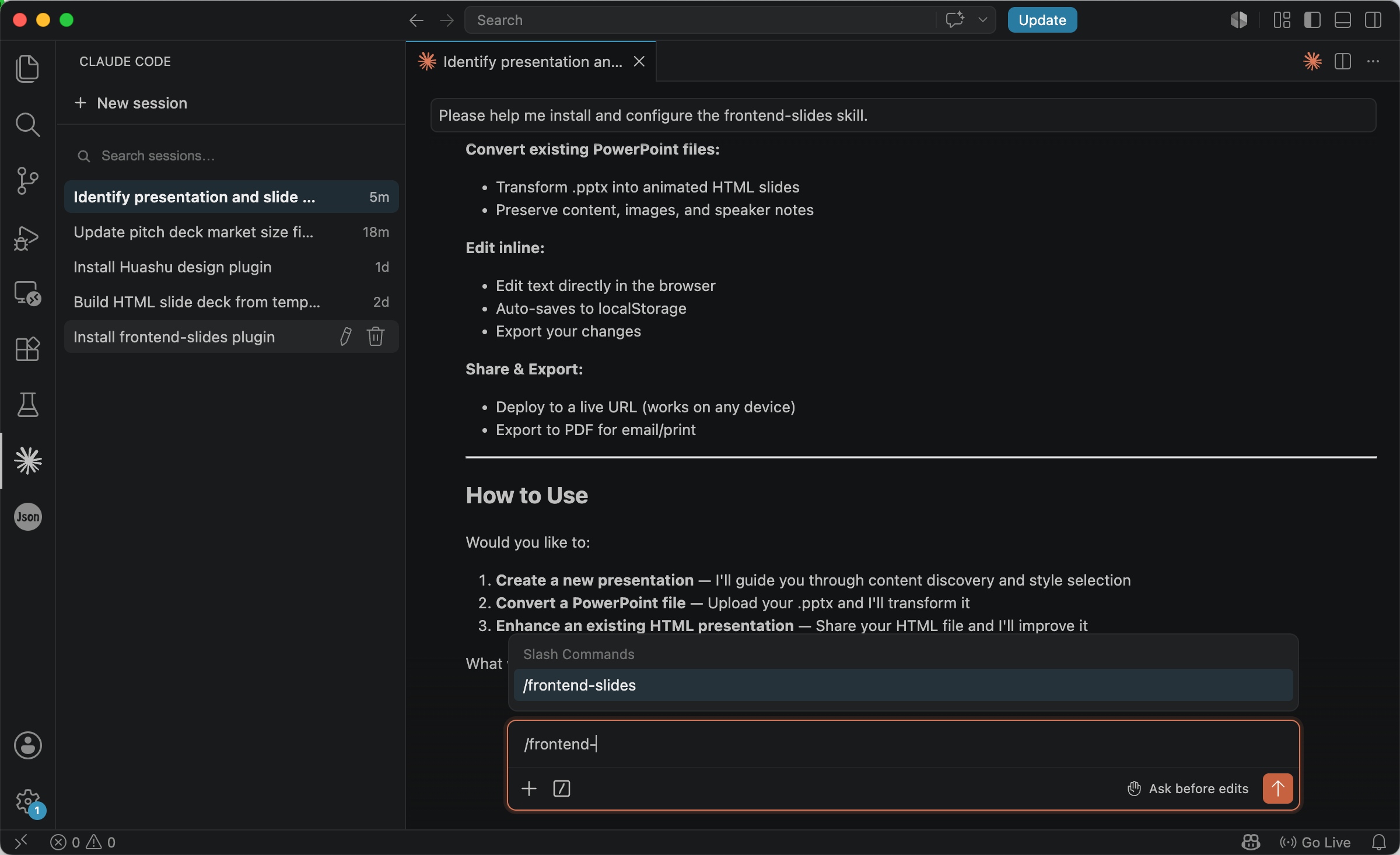
Please help me install and configure the frontend-slides skill.
This will automatically install the frontend-slides skill.
After Agent finishes executing, restart VSCode to refresh, and then you can start using the skill.
The Future of Research Presentations Will Increasingly Resemble Content Engineering
Taken as a whole, these open-source projects are pointing in the same direction: research presentations are gradually moving away from traditional manual production and toward a form of content engineering that is automatable, structured, and reusable.
The workflow of the future will probably no longer be ‘open PowerPoint and lay out each page one by one,’ but rather: first let AI understand the research content, then let open-source design systems generate slides automatically, and finally export them as PPT, PDF, or web-based presentations.
This means that what researchers need to focus on in the future may no longer be how to spend a large amount of time adjusting visual details, but how to express the logic of their research more clearly.
From | Tricontinental: Institute for Social Research via This RSS Feed.