

For simple projects, collecting sources by hand and writing prompts is usually enough. When you need a full research pass that spans dozens or hundreds of papers, the limits of manual search and download become clear.
This article frames grounded research around two complementary moves: web searching (programmatically discovering what exists on the open web and in scholarly indexes) and web fetching (retrieving full documents or machine-readable representations through documented interfaces you control). Used with each provider’s terms of service and rate limits, that combination speeds collection and lowers hallucination risk by tying model outputs to sources you can verify.
Web Searching Versus Web Fetching
Traditional search engines return links and short snippets. Humans can follow those links one by one; large-scale or agent-driven workflows usually need structured search results, fields you can parse, filter, and hand to the next step.
Here, web searching means calling search-oriented APIs so the agent gets normalized data (titles, URLs, snippets, ranks, and similar) instead of rendered HTML.
The JSON below is a simple illustration of what structured search output can look like:
[
{
"title": "Google",
"link": "https://google.com/",
"snippet": "Search the world's information, including webpages, images, videos and more. _Google_ has many special features to help you find exactly what you're looking ...",
"position": 1
},
{
"title": "Google Scholar",
"link": "https://scholar.google.com/",
"snippet": "_Google Scholar_ provides a simple way to broadly search for scholarly literature. Search across a wide variety of disciplines and sources: articles, theses, ...",
"position": 2
}
]
Web fetching is the next step: obtaining full text or cleaned page content, a PDF, or a Markdown-like extraction of a page you are allowed to process, so the model can work from complete arguments, not previews alone.
Together, structured search and disciplined fetching form a pipeline from query to evidence, the practical backbone of grounded research.
Why These Capabilities Matter
Generative models hallucinate when context is thin or wrong. Feeding them retrieved, checkable material, metadata, abstracts, PDFs, or excerpts from permitted channels, anchors answers in real sources.
For end-to-end research projects, programmatic search and fetch help because they deliver:
- Traceability: URLs, identifiers, or API payloads you can log and revisit.
- Richer context: Full text or clean extractions outperform snippets alone when nuance matters.
- Freshness: Many academic and web APIs surface newer records than a model’s static training cutoff.
What follows surveys tools you can connect with API keys and published docs, plus a few interactive aids where the value is exploration rather than automation.
Web Searching
The sections below cover how to discover candidates, papers, pages, datasets, before you commit to full retrieval.
1. Serper.dev
Serper.dev belongs to the same broad family as other SERP-style APIs: you send an HTTP request with a query and credentials, and you receive structured JSON instead of clicking through a results page. Engines, parameters, and quotas are defined in Serper’s documentation; the day-to-day workflow is familiar if you have already used SerpApi-style products.
Start by creating an account: https://serper.dev/signup.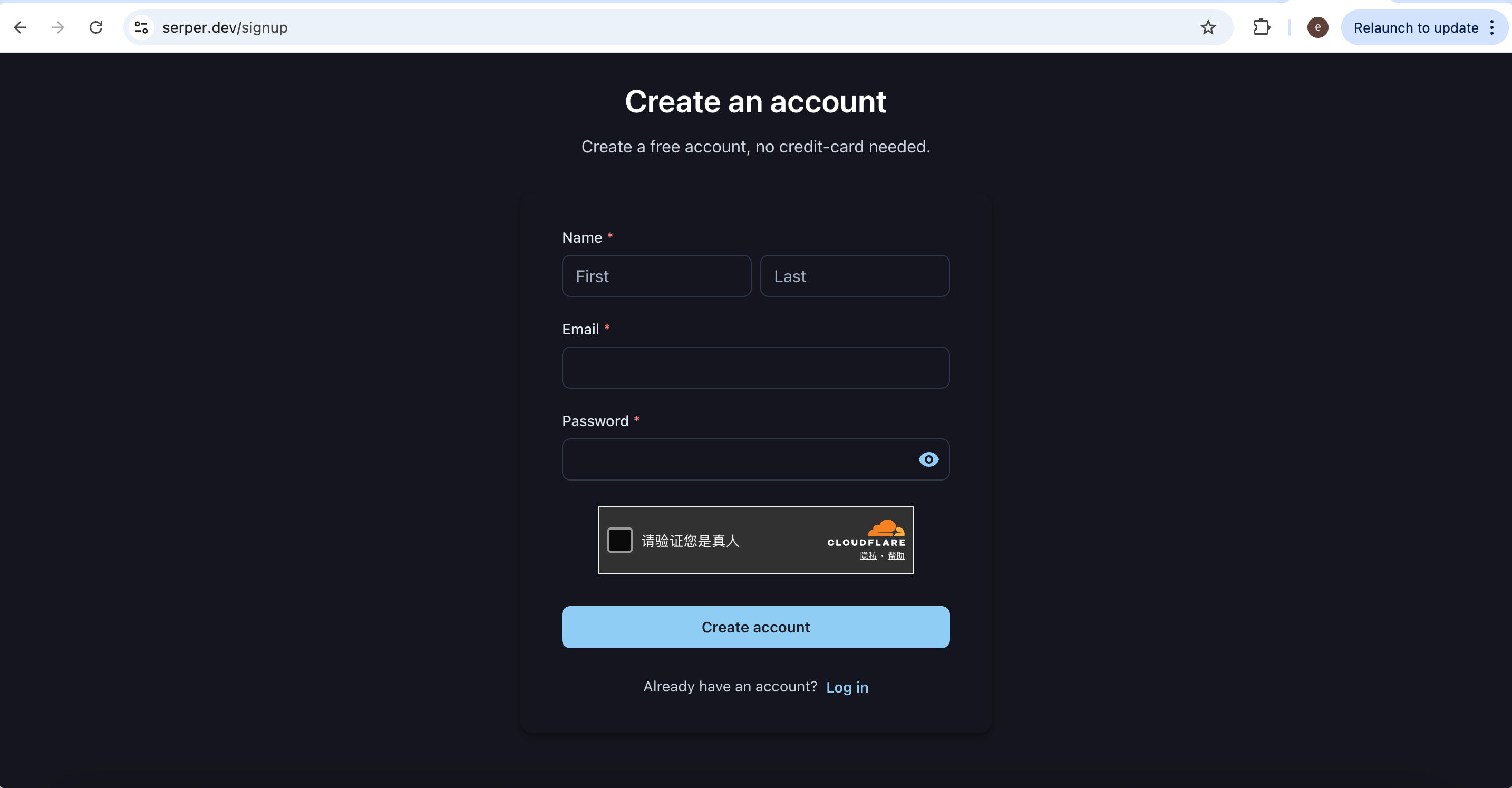
After you verify your email, the site typically drops you into the playground at https://serper.dev/playground. There you can inspect recent usage and try queries interactively.
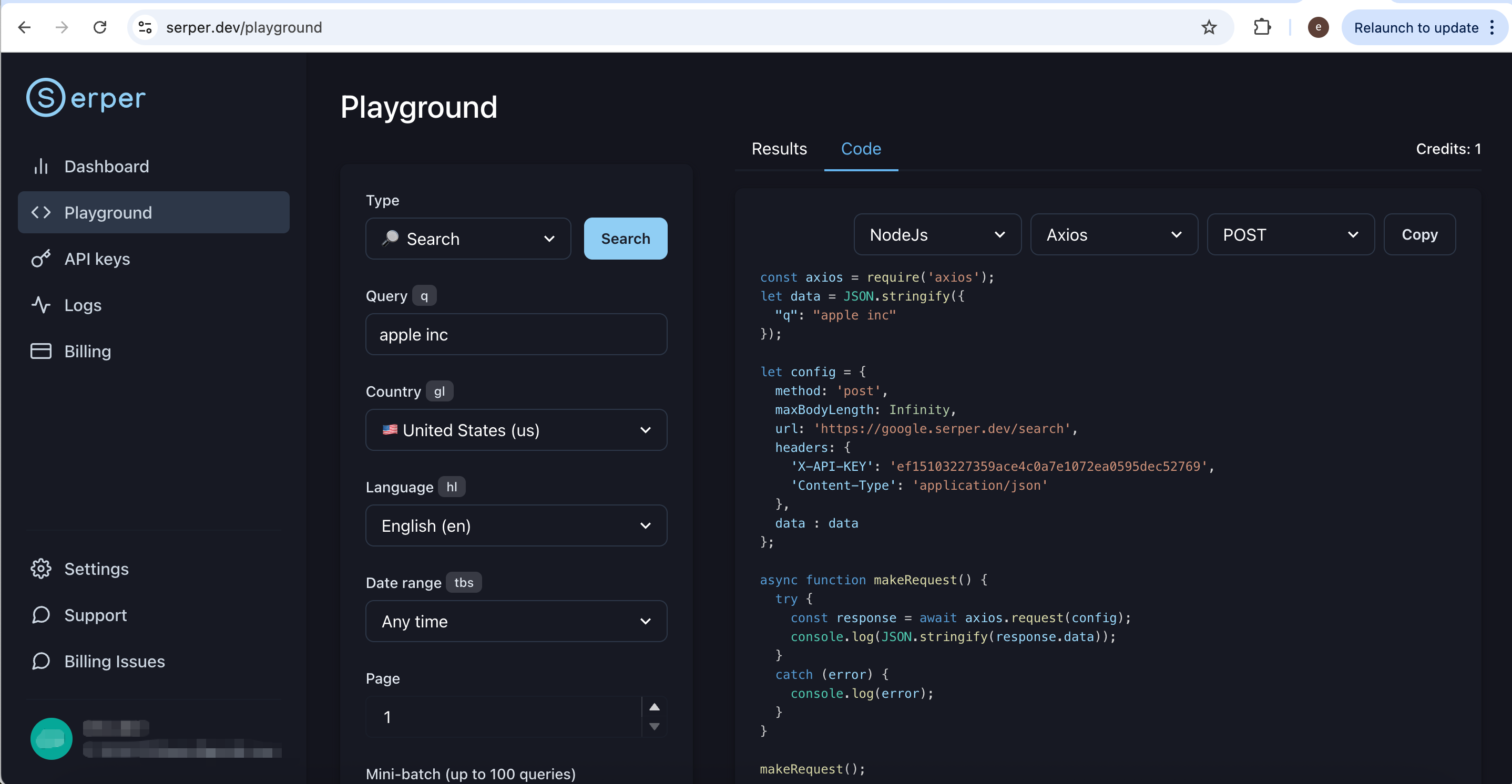
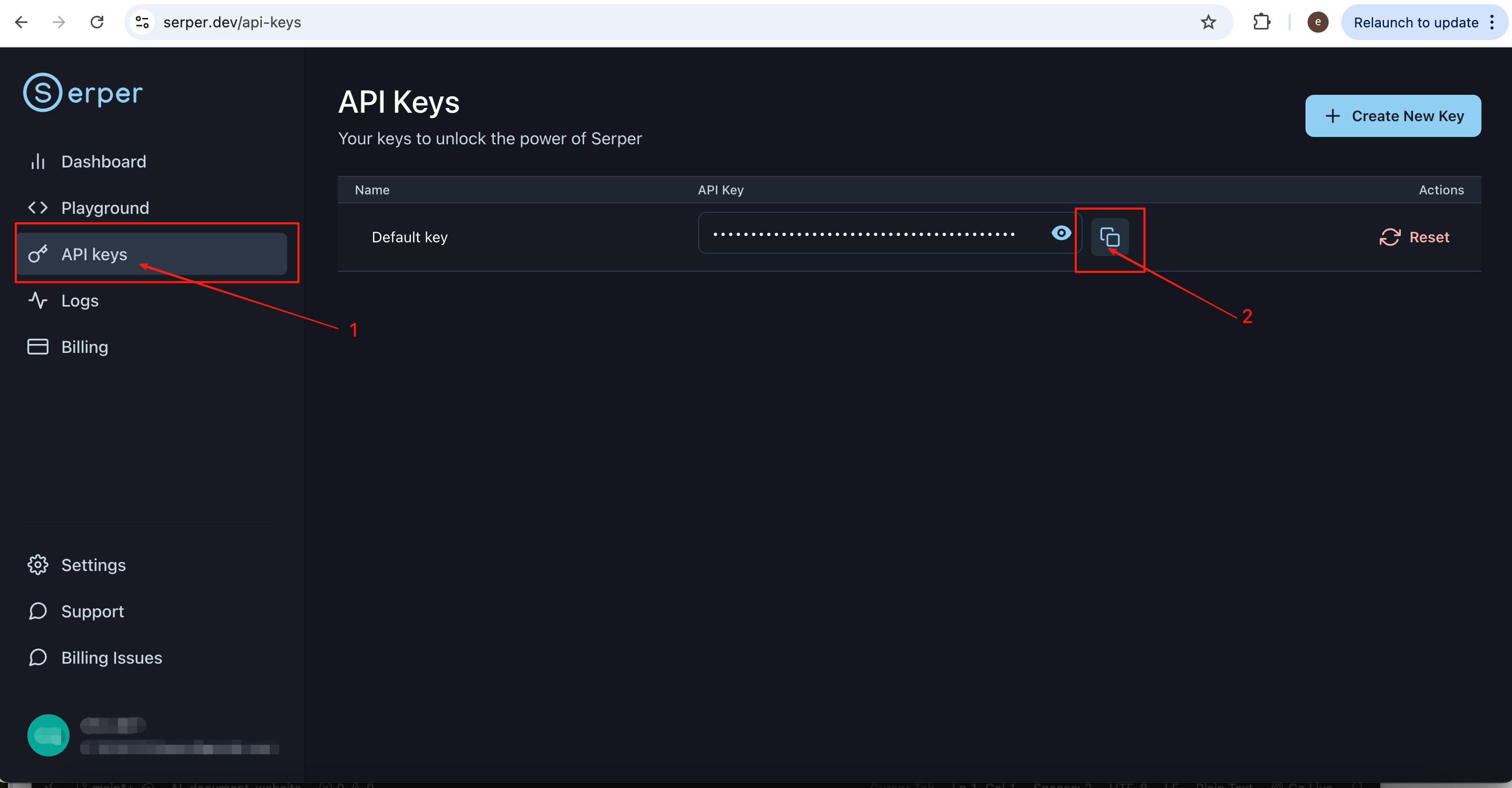
To call the API from code or from an agent, open the API Keys tab in the left sidebar. A key is usually generated for you automatically; copy it and store it securely (for example in an environment variable).
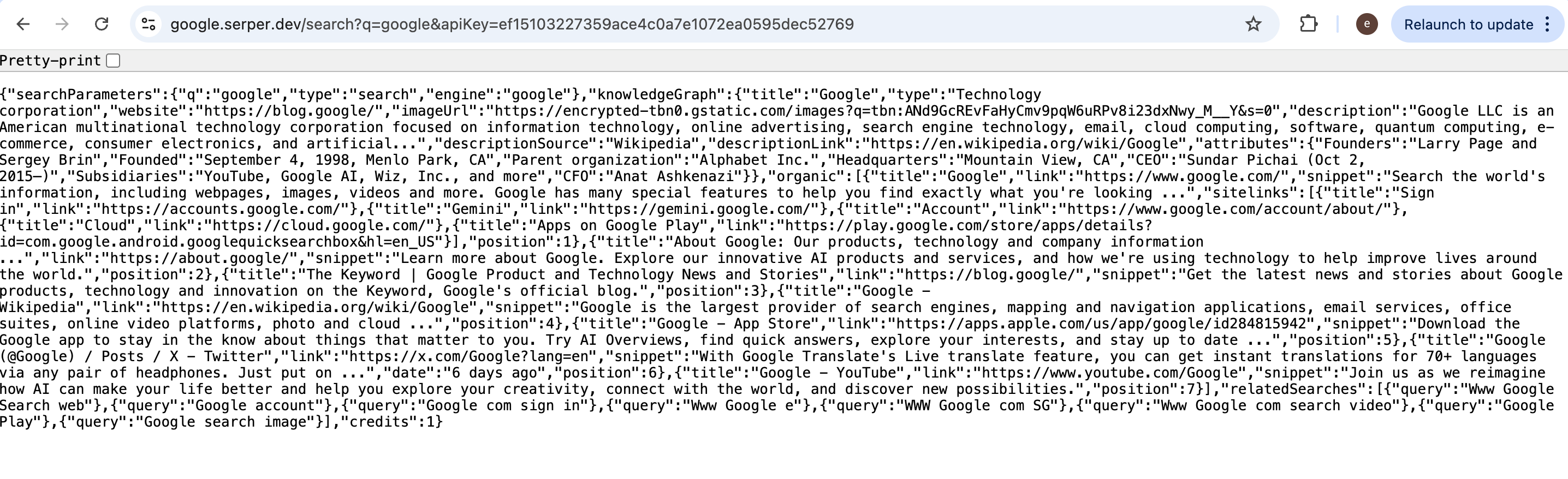
For Google Search via Serper, follow the HTTP method, headers, and body format in the official docs when you call the API from code or from an agent. As a quick sanity check, you can sometimes open a minimal URL in the browser (replace {query words} and {your api key}):
https://google.serper.dev/search?q=%7Bquery words}&apiKey={your api key}
The response is JSON, not a consumer-style HTML results page, exactly what programmatic clients expect.
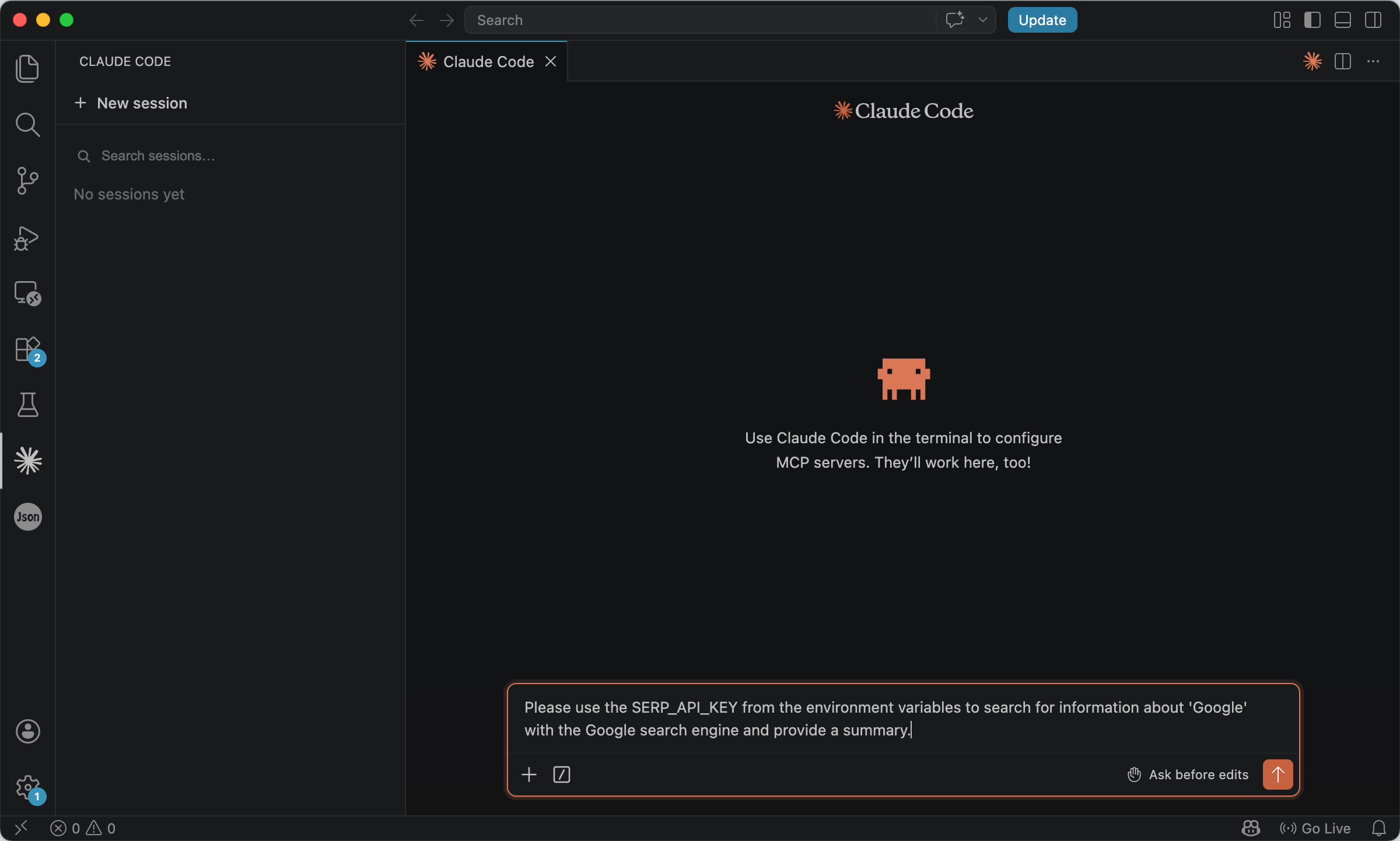
In your agent, keep the key in something like SERP_DEV_API_KEY and reference it from prompts instead of hard-coding it. For example:
Please use the SERP_DEV_API_KEY from the environment variables to search for information about 'Google' with the Google search engine and provide a summary.
The API format is:
https://google.serper.dev/search?q=%7Bquery words}&apiKey={your api key}
The agent can then call the endpoint and summarize the JSON.
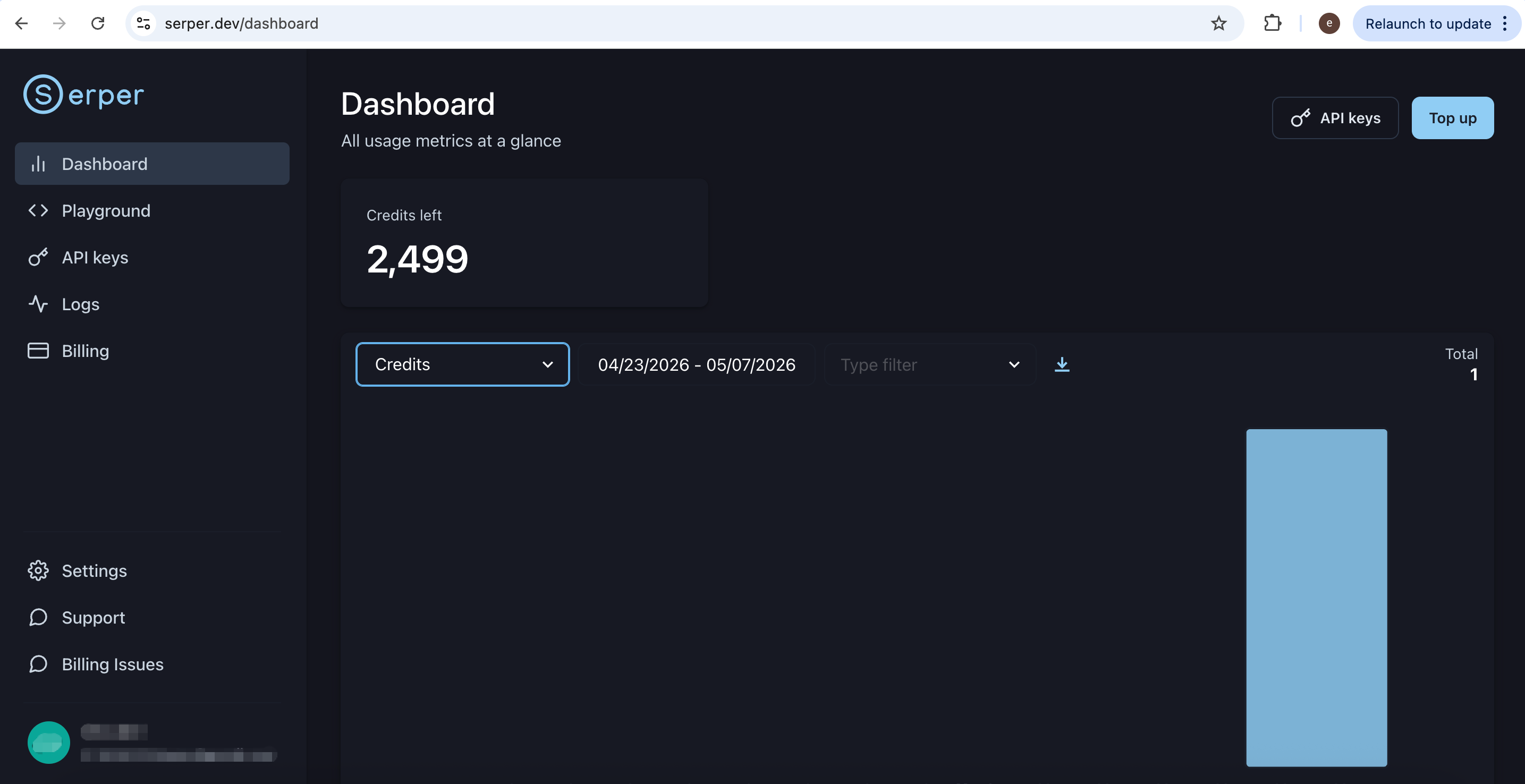
Serper’s free tier is generous on volume (on the order of thousands of searches for new accounts at the time of writing), but it exposes fewer engines and surfaces than SerpApi. Choose Serper when a narrow, Google-centric stack is enough; reach for SerpApi when you need additional Google products (Scholar, News, and others) from one vendor.
2. SerpApi
SerpApi wraps Google and many other Google ‘engines’ as structured data, so agents can automate discovery without opening each result by hand. It turns result pages into clean JSON that is easier to filter, rank, and pass downstream than raw HTML.
Register and sign in at https://serpapi.com/users/sign_in.
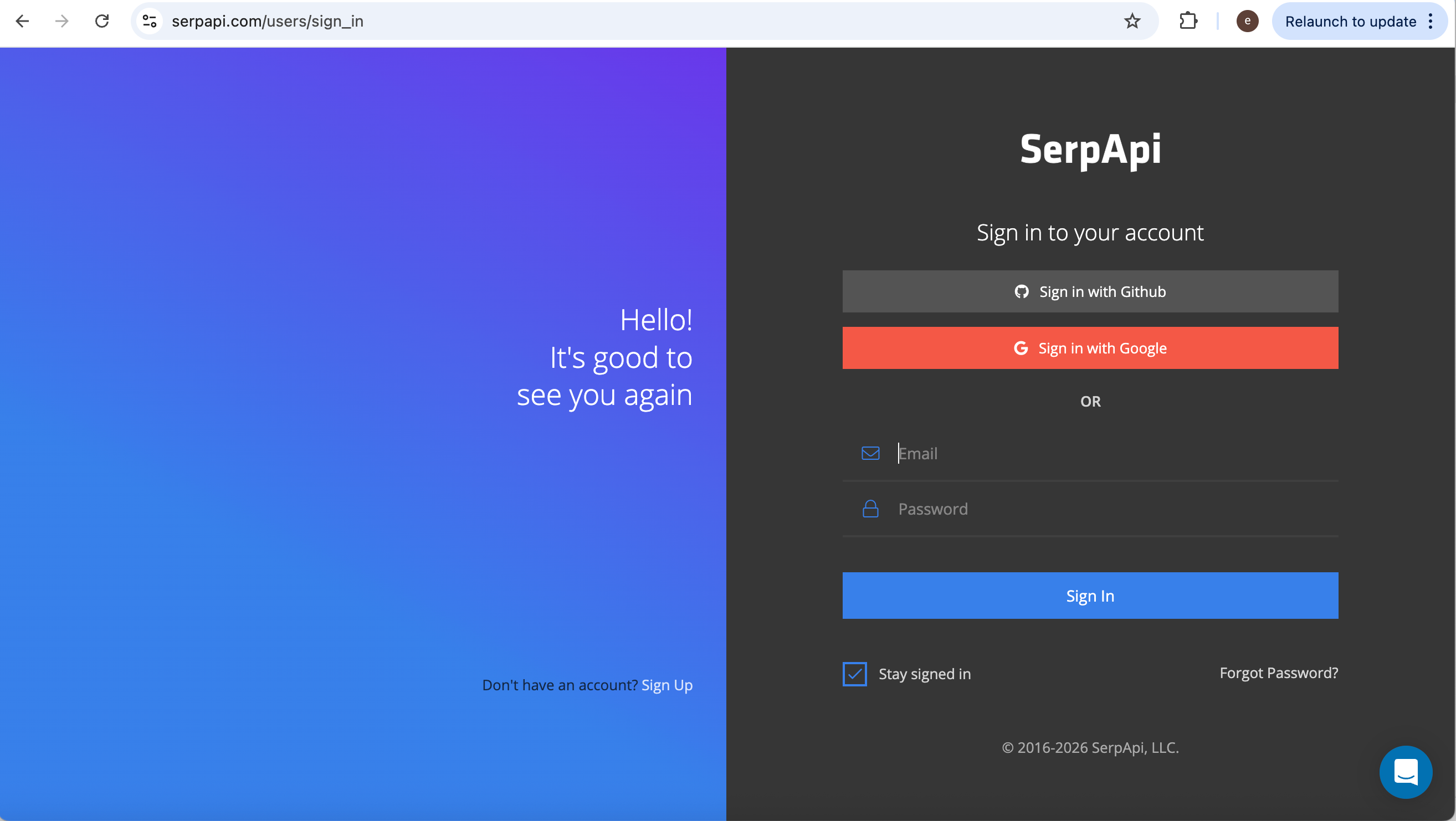
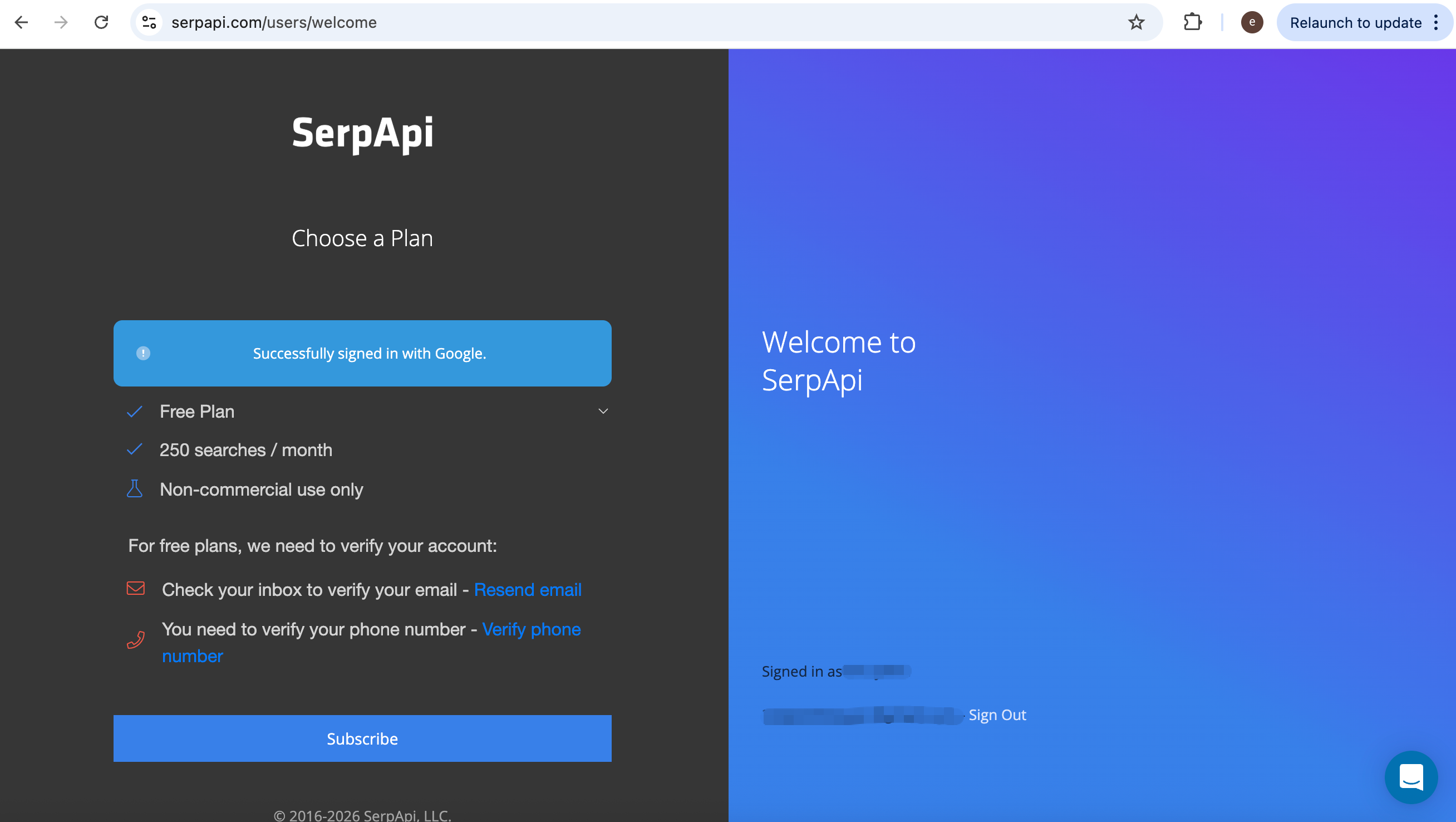
The default free plan includes a limited number of searches per month; upgrade if your workload grows.
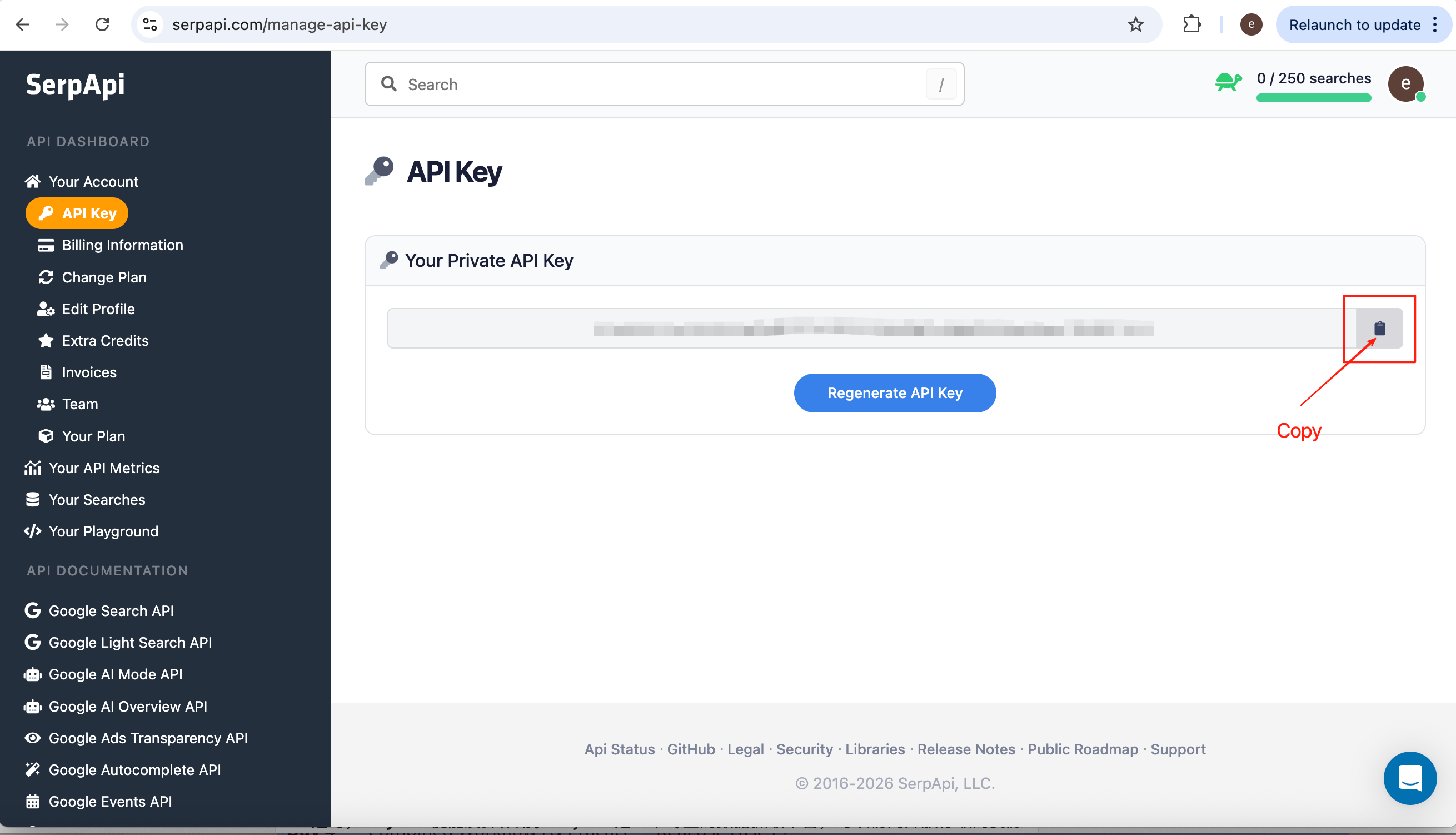
From the dashboard, copy your API key.
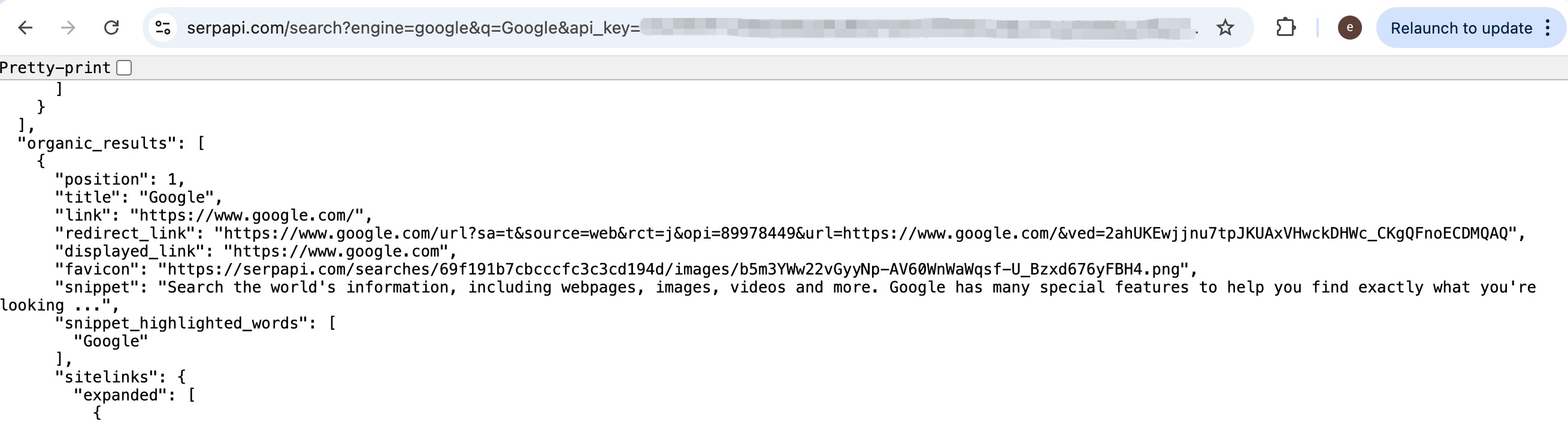
A minimal Google Web request looks like this (substitute your query and key):
https://serpapi.com/search?engine=google&q=%7Bquery words}&api_key={your api key}
Paste the URL into a browser once to confirm you see JSON rather than HTML.
In the agent, read the key from the environment, for example SERP_API_KEY, and keep the URL pattern in the prompt or in tool configuration:
Please use the SERP_API_KEY from the environment variables to search for information about 'Google' with the Google search engine and provide a summary.

The API format is:
https://serpapi.com/search?engine=google&q=%7Bquery words}&api_key={your api key}
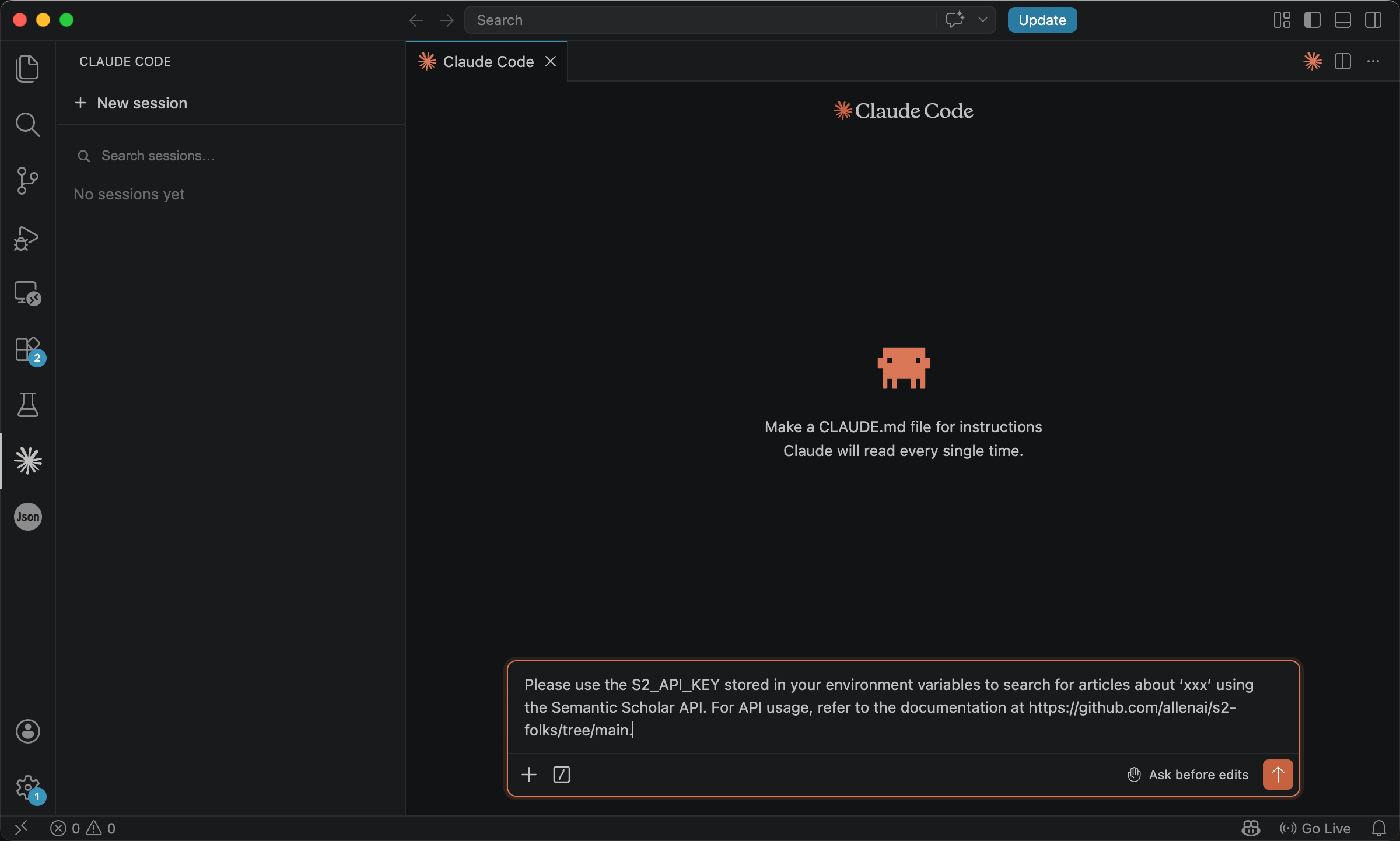
The model issues the call and returns a short summary of the hits.
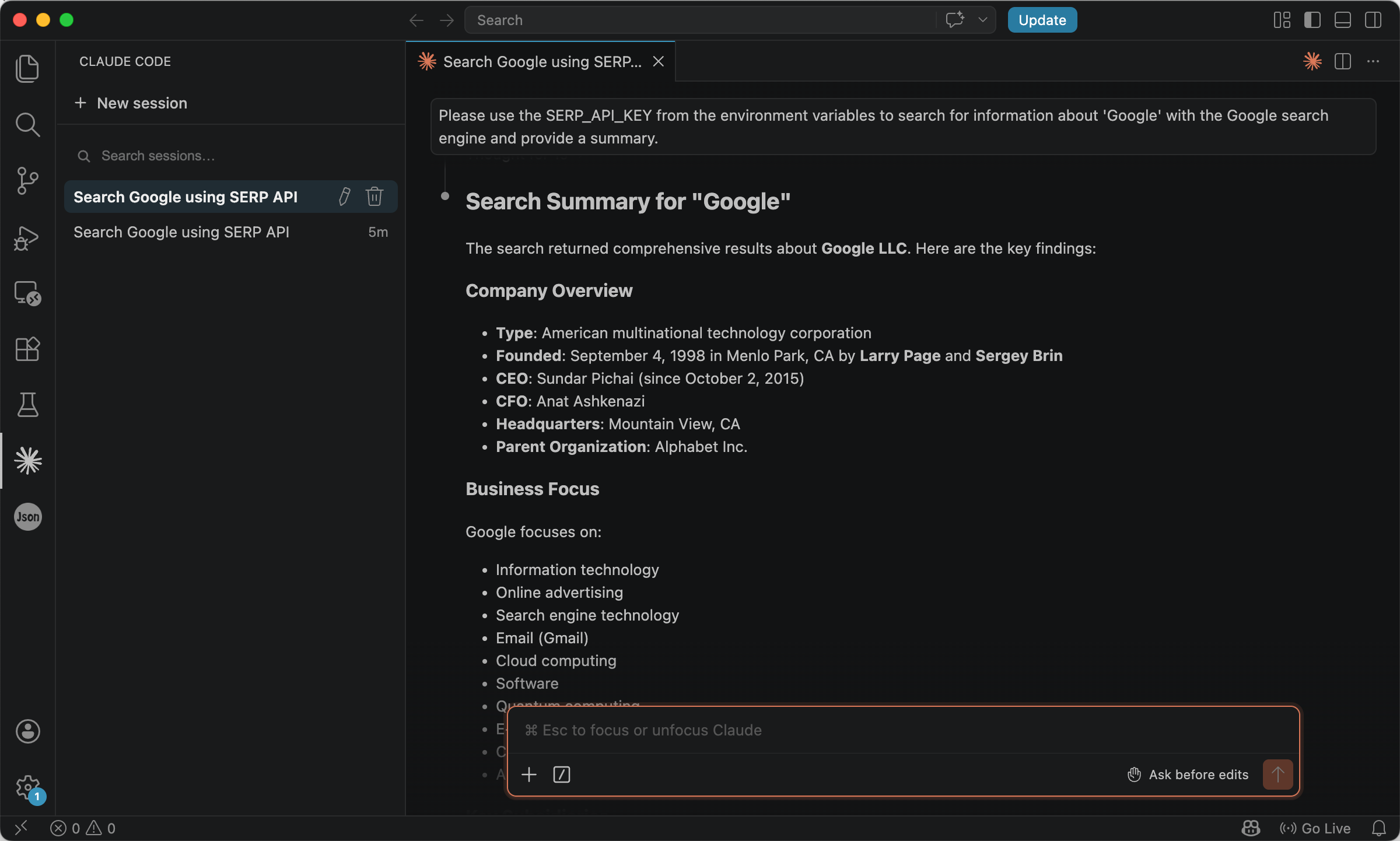
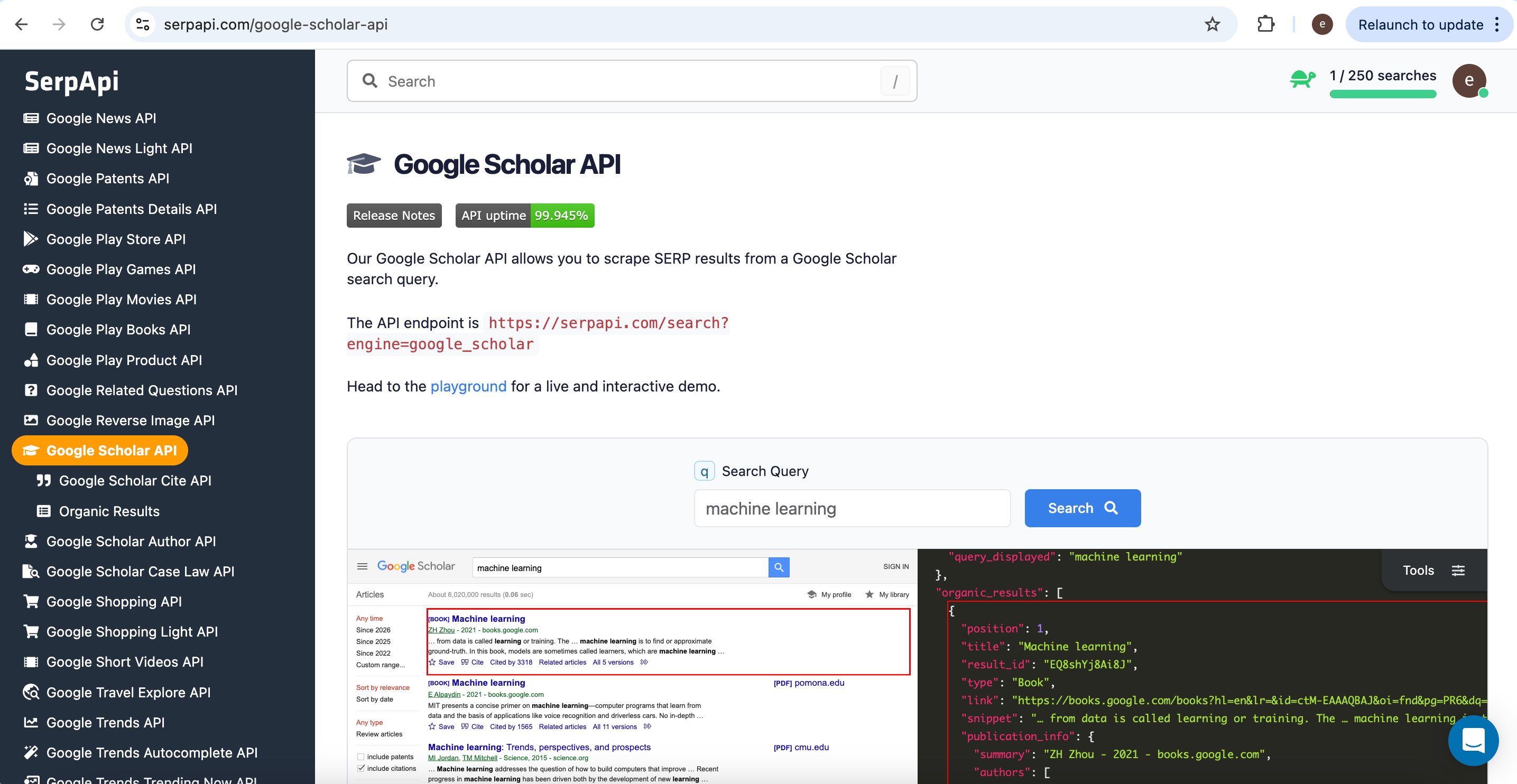
That pattern generalizes: SerpApi also exposes Google Scholar, Google Events, Google Finance, and more, adjust engine and the prompt so the agent picks the right surface.
Web Fetching
Searching tells you what might be worth reading. Fetching is how you obtain full content in compliant ways, PDFs from open repositories, metadata from scholarly APIs, or normalized text from tools built for extraction, not improvised bulk copying of entire sites.
PDF and document-oriented APIs
1. arXiv
arXiv is an open-access preprint service operated by Cornell University. It is widely used in computer science, physics, mathematics, and neighboring fields. Because authors often upload before journal publication, arXiv is frequently where new work appears first.
arXiv supports both discovery and retrieval: you can search metadata and obtain PDFs through stable, documented HTTP interfaces. The public metadata API is described in the arXiv help center; the API basics / quickstart explains that clients issue ordinary HTTP requests and receive XML feeds whose entries include links to PDFs.
You do not need to parse the XML by hand in every workflow, your agent or a small script can, but it helps to know that the response is structured, not a single human-facing HTML page.
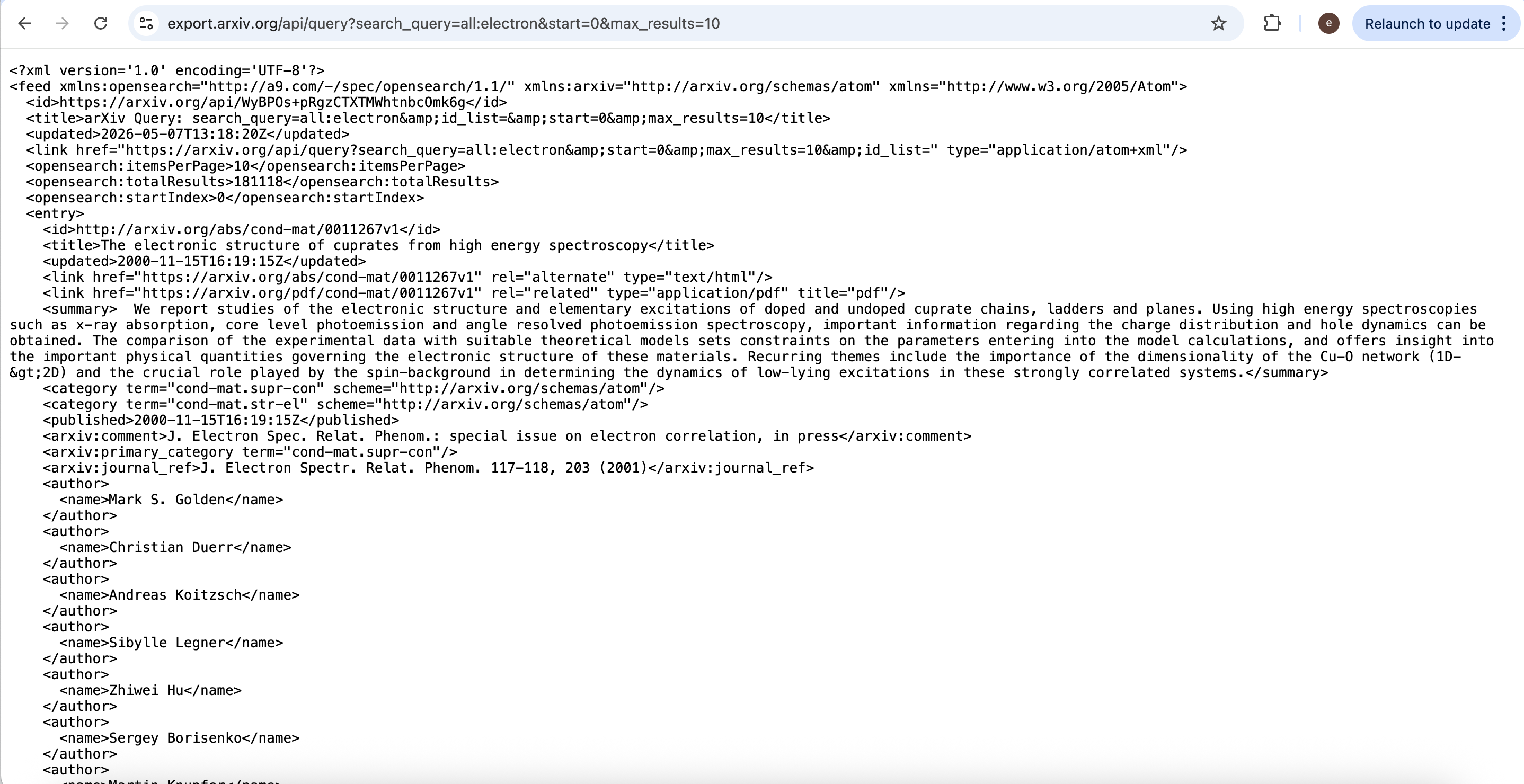
Example query (metadata for up to ten results whose metadata matches electron in the default ‘all’ fields):
http://export.arxiv.org/api/query?search_query=all%3Aelectron&start=0&max_results=10
The returned feed lists titles, summaries, and related links; PDFs are reachable from the entry links as described in the official documentation. Respect arXiv’s published terms and request etiquette.
In an agent, you might keep the interaction high-level:
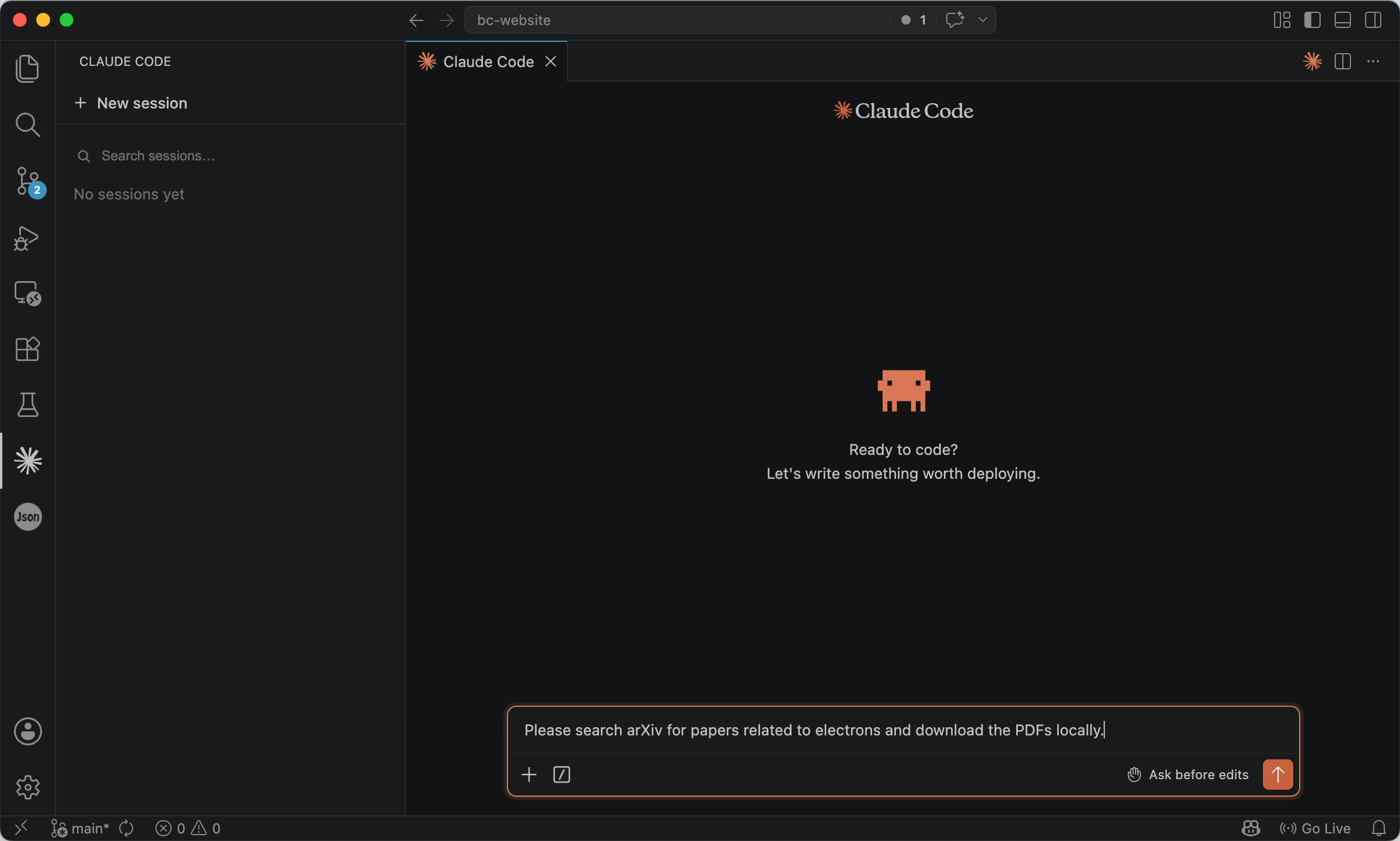
Please search arXiv for papers related to electrons and download the PDFs locally.
The agent should implement the XML request, pick entries, and download only what the user or policy allows.
2. Semantic Scholar
Semantic Scholar, from the Allen Institute for AI, pairs semantic ranking with rich metadata (authors, venues, citations, related work). Its APIs support both literature search and, where licensing and publisher links allow, retrieval of PDFs or landing URLs, always subject to each paper’s access rules.
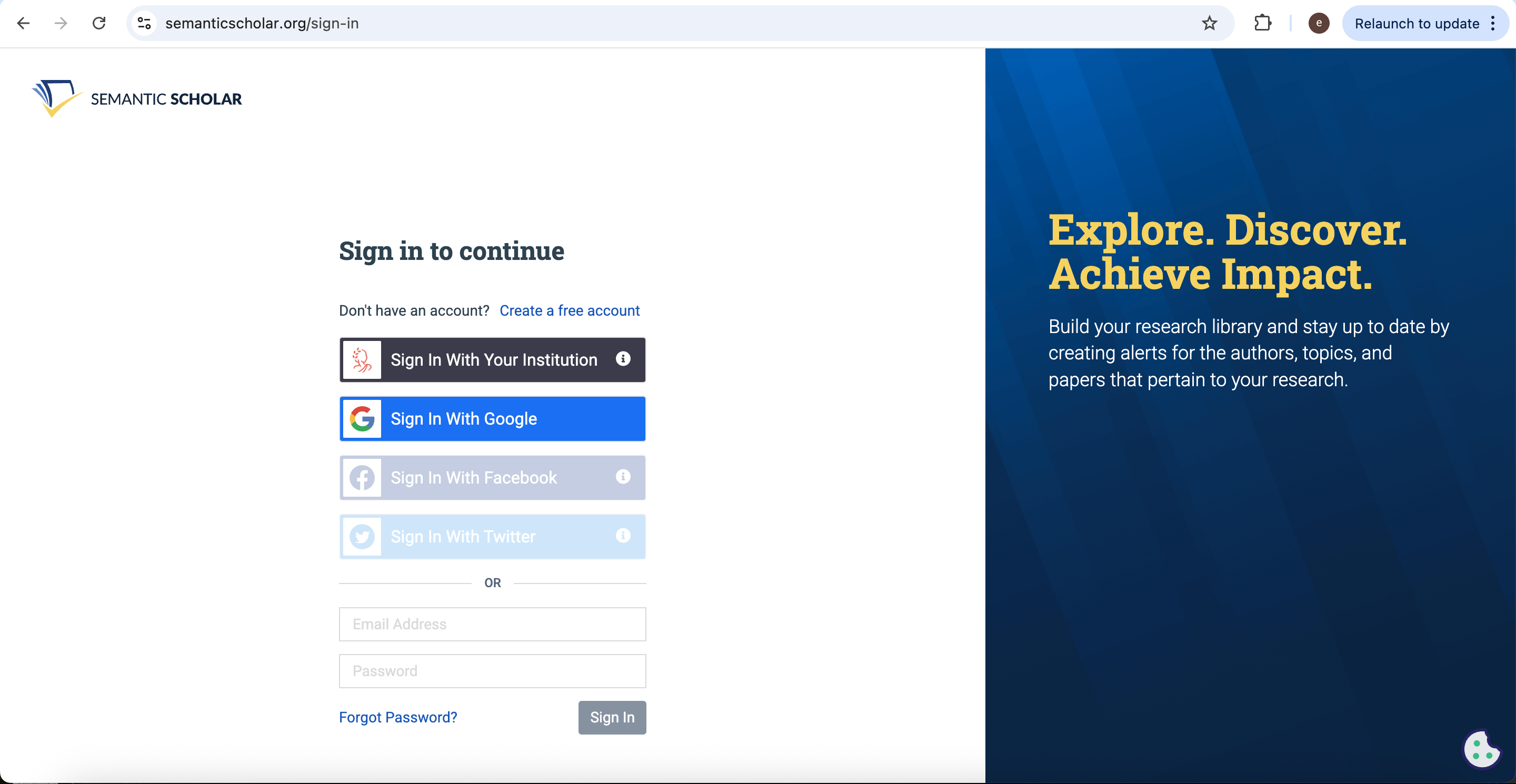
Sign in at https://www.semanticscholar.org/sign-in.
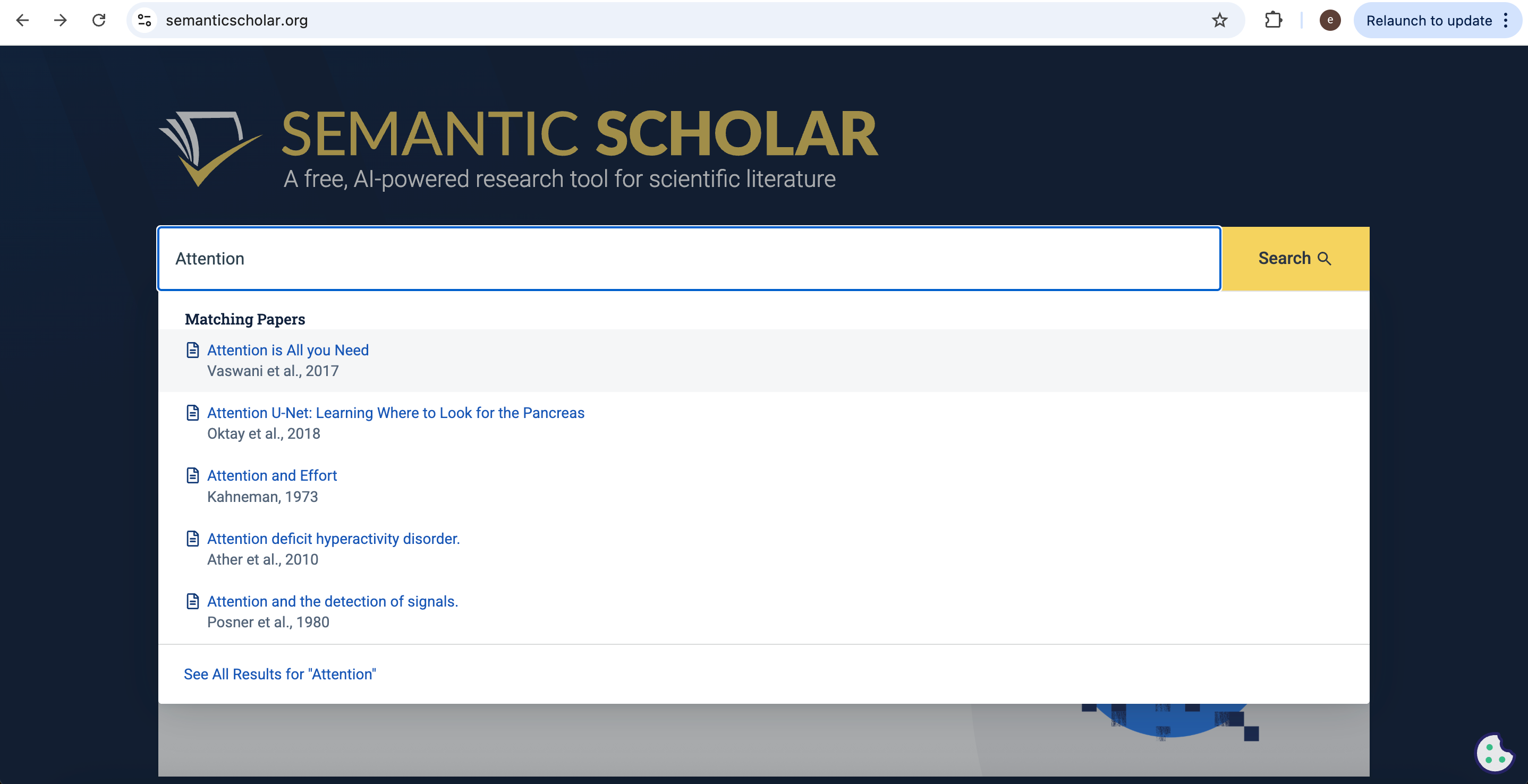
Use the website search to sanity-check titles, authors, or topics.
Programmatic access requires a separate API key. Apply at https://www.semanticscholar.org/product/api.
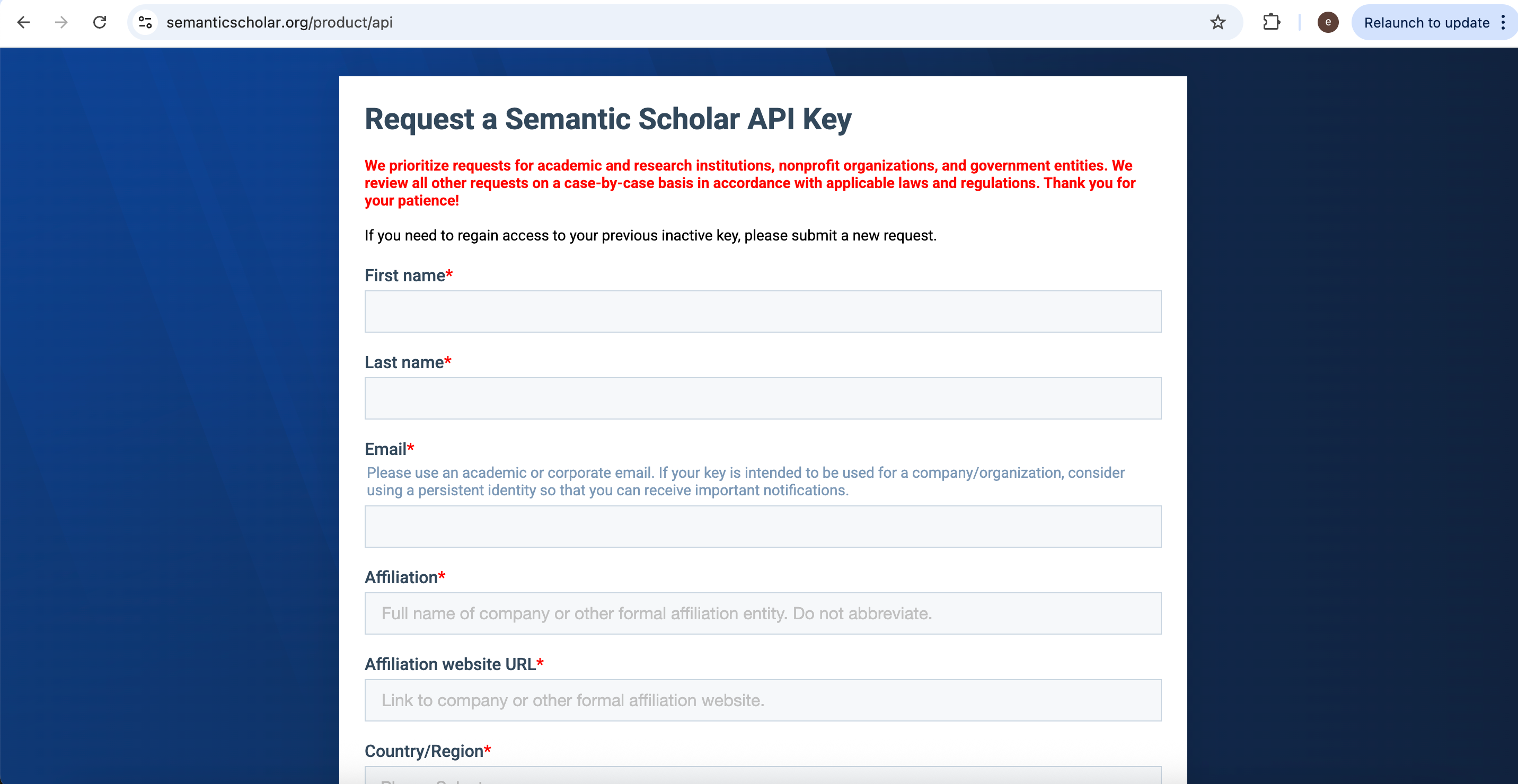
After approval, you receive a key by email.
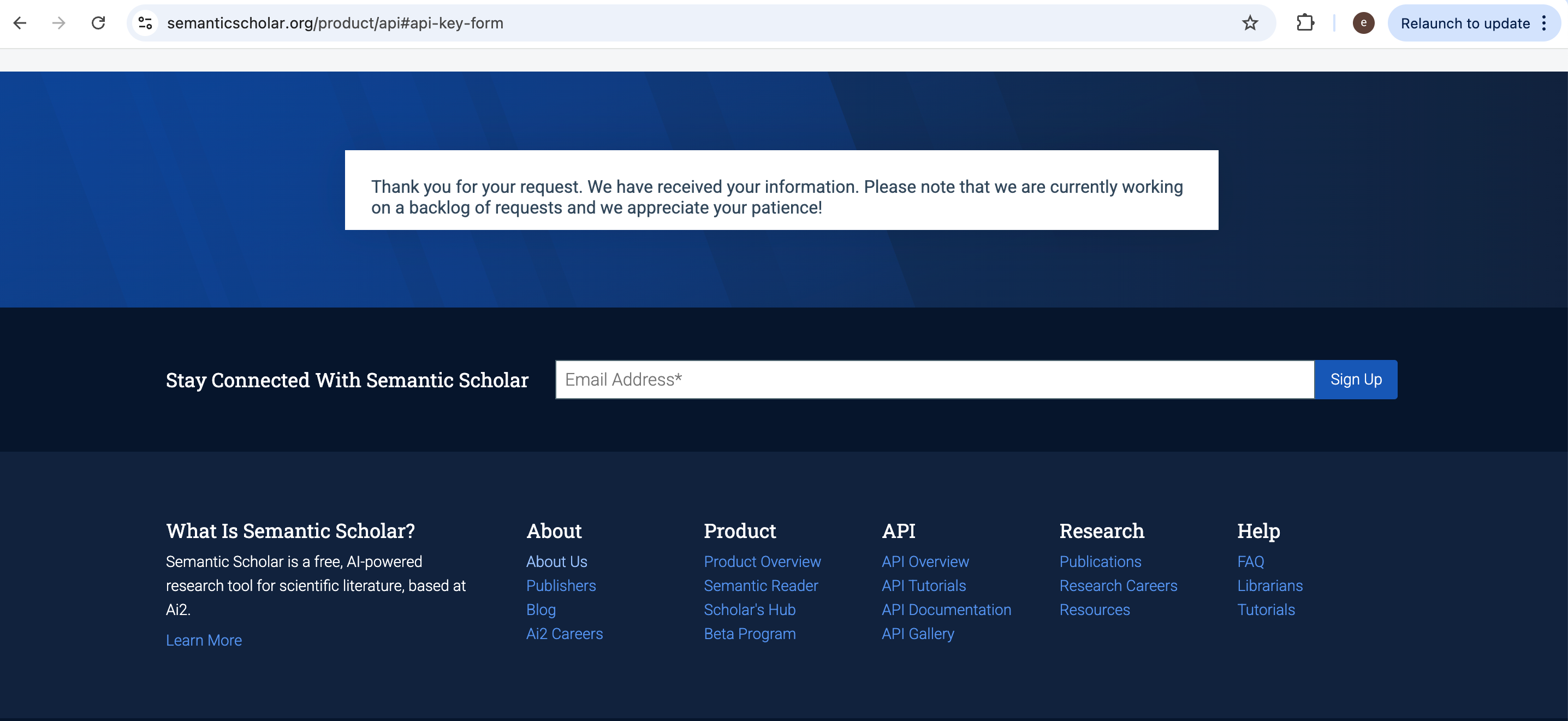
Store it as something like S2_API_KEY and point the agent at the official client examples:
Please use the S2_API_KEY stored in your environment variables to search for articles about 'xxx' using the Semantic Scholar API and download the PDFs locally where permitted.
For API usage, refer to the documentation at https://github.com/allenai/s2-folks/tree/main.
Web page content
Some teams chain search to hosted extraction services that turn allowed URLs, or small, configured jobs, into clean text or Markdown for downstream models.
Firecrawl and Crawl4AI are commonly cited in agent tutorials: you supply URLs and constraints; the tool returns normalized content. They are not a substitute for reading each site’s robots policy, copyright notice, and terms of use. This article does not lay out crawling tactics; stay within what each vendor documents and what the target site permits.
Other tools: Connected Papers
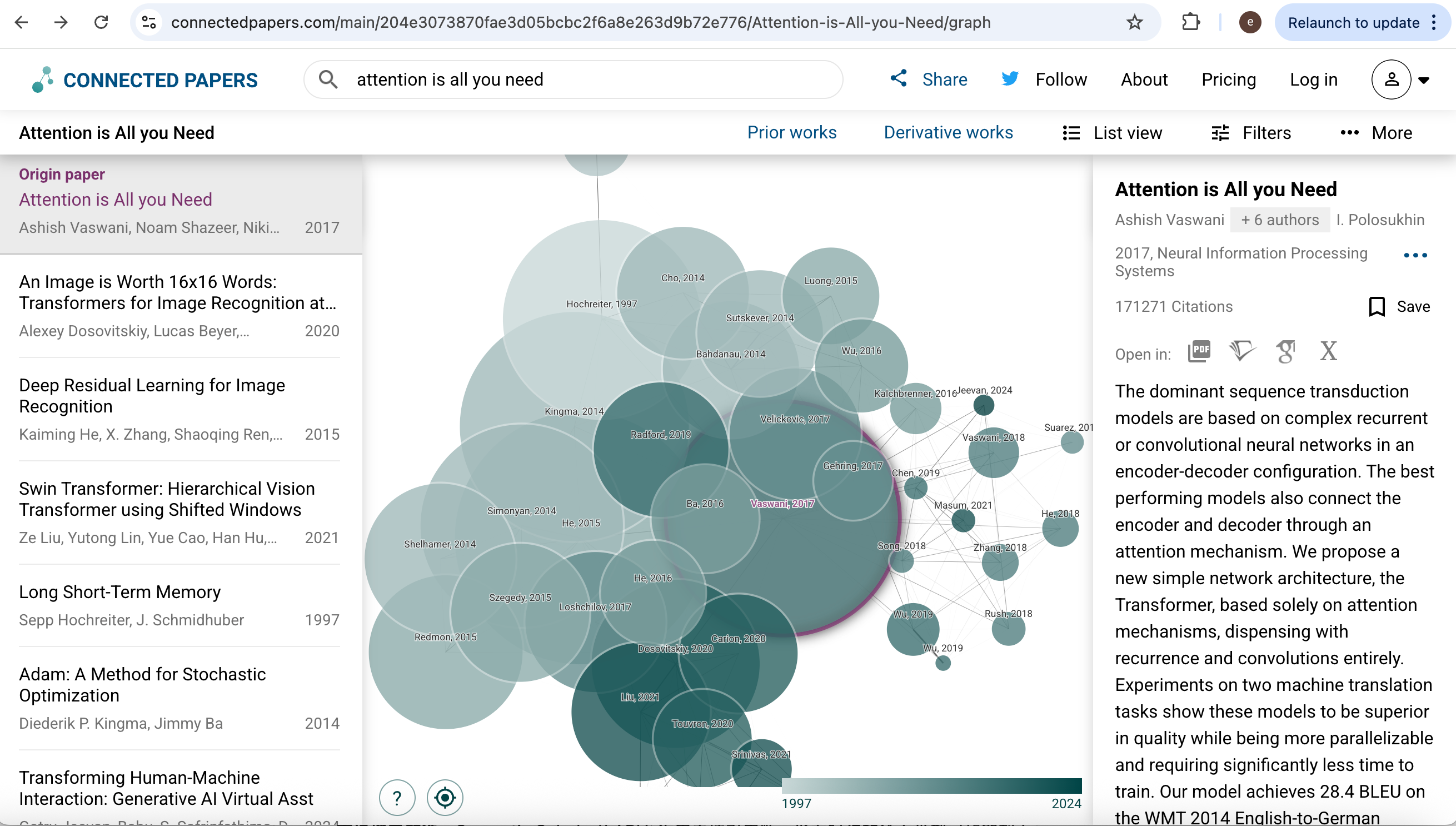
Connected Papers is an interactive map: from one seed paper it draws a graph of related work so you can spot clusters and high-influence nodes before you fix a reading list. It is not mainly an API-first fetch layer, but it is excellent for seeing how papers connect.
Open https://www.connectedpapers.com/ and search by title.
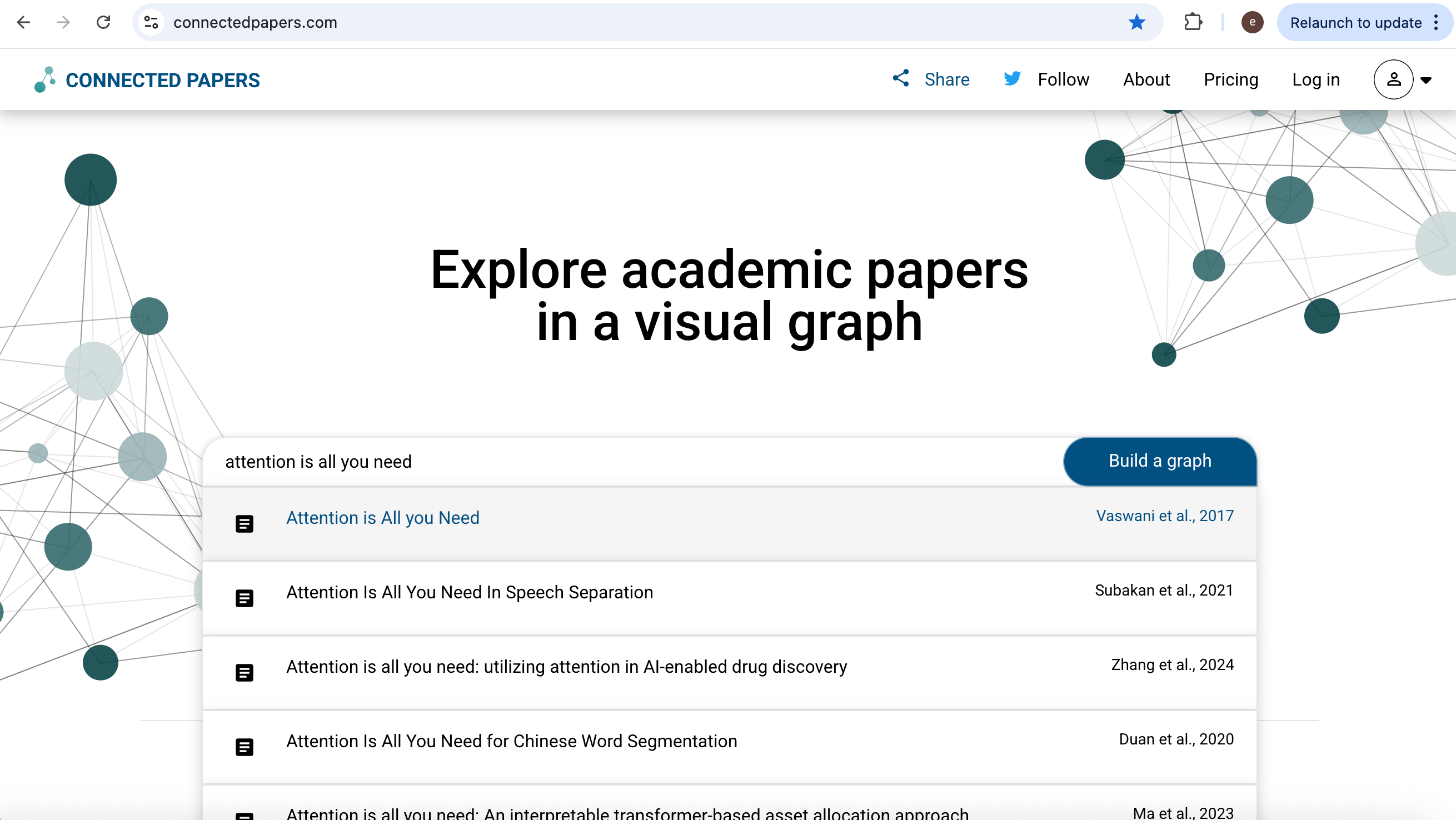
The tool builds a visual graph of neighbors in citation and similarity space.
Conclusion
Web searching through Serper.dev and SerpApi gives you structured web discovery; Semantic Scholar does the same for scholarly metadata. Web fetching, arXiv’s XML API for open preprints, plus Semantic Scholar where keys and licenses allow, fills in full text and pointers. Connected Papers supports exploratory mapping of the literature, while tools such as Firecrawl and Crawl4AI can supply normalized page text only when policy and contracts allow.
From | Tricontinental: Institute for Social Research via This RSS Feed.